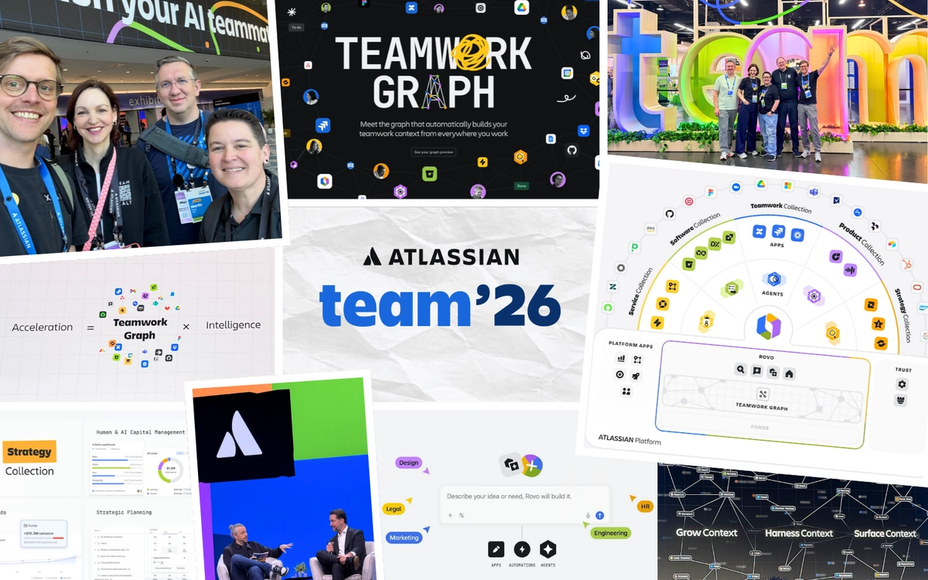
According to Atlassian, more than 90% of enterprise cloud customers use Rovo, and the month before Team ’26 saw over 14 million Rovo-assisted actions. So the real question is rarely whether Rovo is already in your Atlassian subscription – it is what you want it to do there. A Rovo answer is only as good as the context it is allowed to reach, and that context depends on permissions, connected apps and well-kept knowledge.
This article covers what Rovo is made of, what arrived in 2026, what licensing and credits mean, and how to start with one bounded use case instead of simply switching it on for everyone.
The Building Blocks: Search, Chat, Agents and Studio
Atlassian describes Rovo as an app that turns information into action. It consists of four capabilities, and each deserves its own assessment because each raises different permission and governance questions:
- Rovo Search: one search across Jira, Confluence and connected apps such as Google Drive, SharePoint, Slack, Figma or GitHub. Results respect the searcher’s permissions.
- Rovo Chat: ask questions, develop ideas and get feedback – in Jira, Jira Service Management, Jira Product Discovery, Confluence and, via the browser extension, beyond.
- Rovo agents: AI-powered virtual teammates that draft and review content, clean up backlogs or organise Confluence pages. They only change work items or pages with your permission.
- Rovo Studio: the workspace where teams build and manage agents, automations and apps.
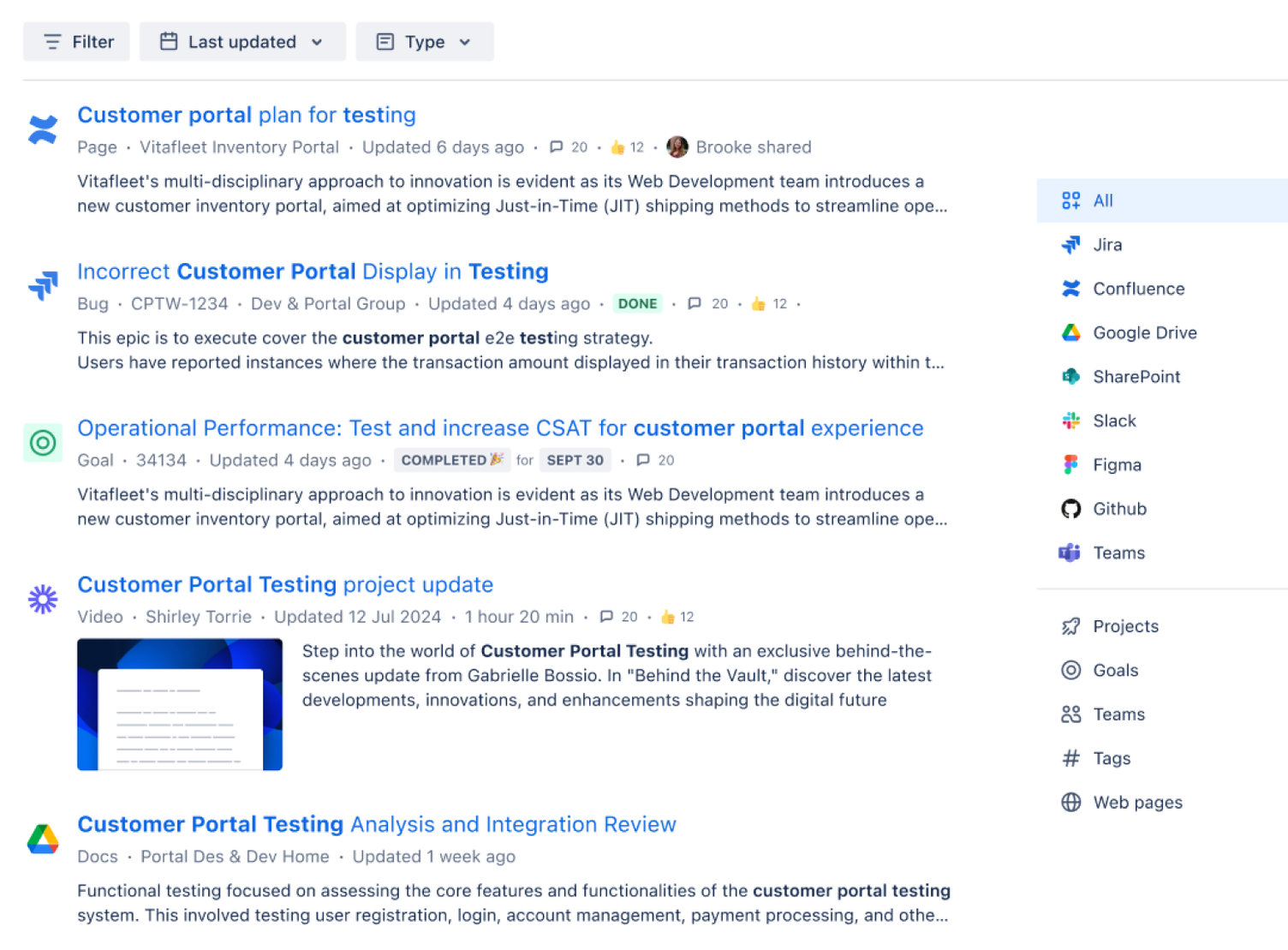
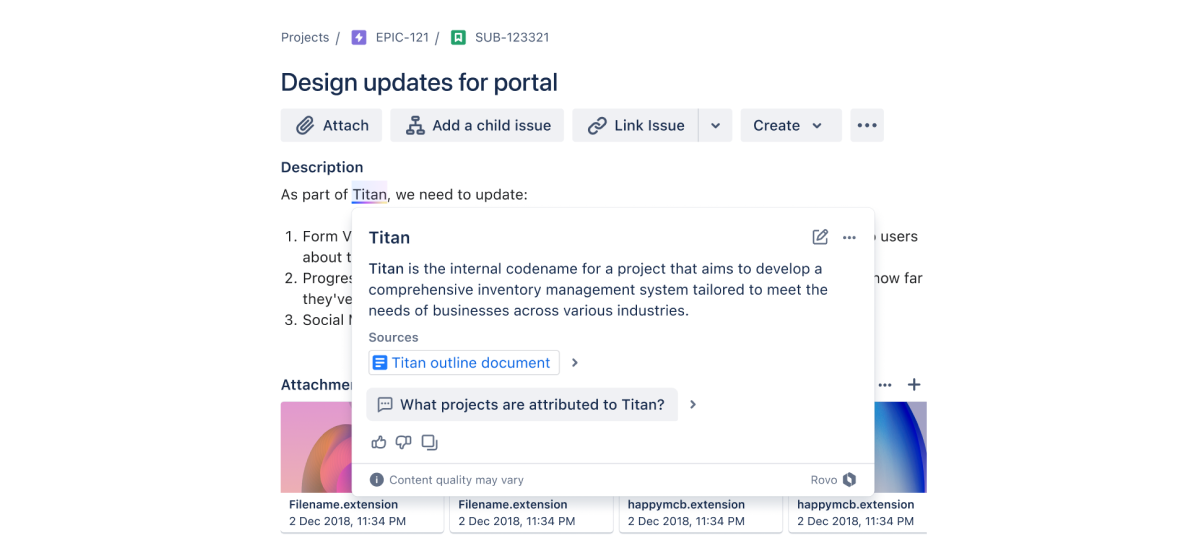
A modest feature that pays off daily is definitions: Rovo explains internal project names and jargon right inside the Jira work item or Confluence page and cites its source. New colleagues need to ask around less – provided the knowledge is documented somewhere.
The Teamwork Graph: Where Rovo Gets Its Context
Rovo runs on the Teamwork Graph, Atlassian’s map of work across teams, tools, goals and decisions. Atlassian puts it at more than 150 billion connections. Every action feeds back into the graph, so context grows with use. Since Team ’26, third-party agents can access it too, through new tools in the Rovo MCP Server and a Teamwork Graph CLI.
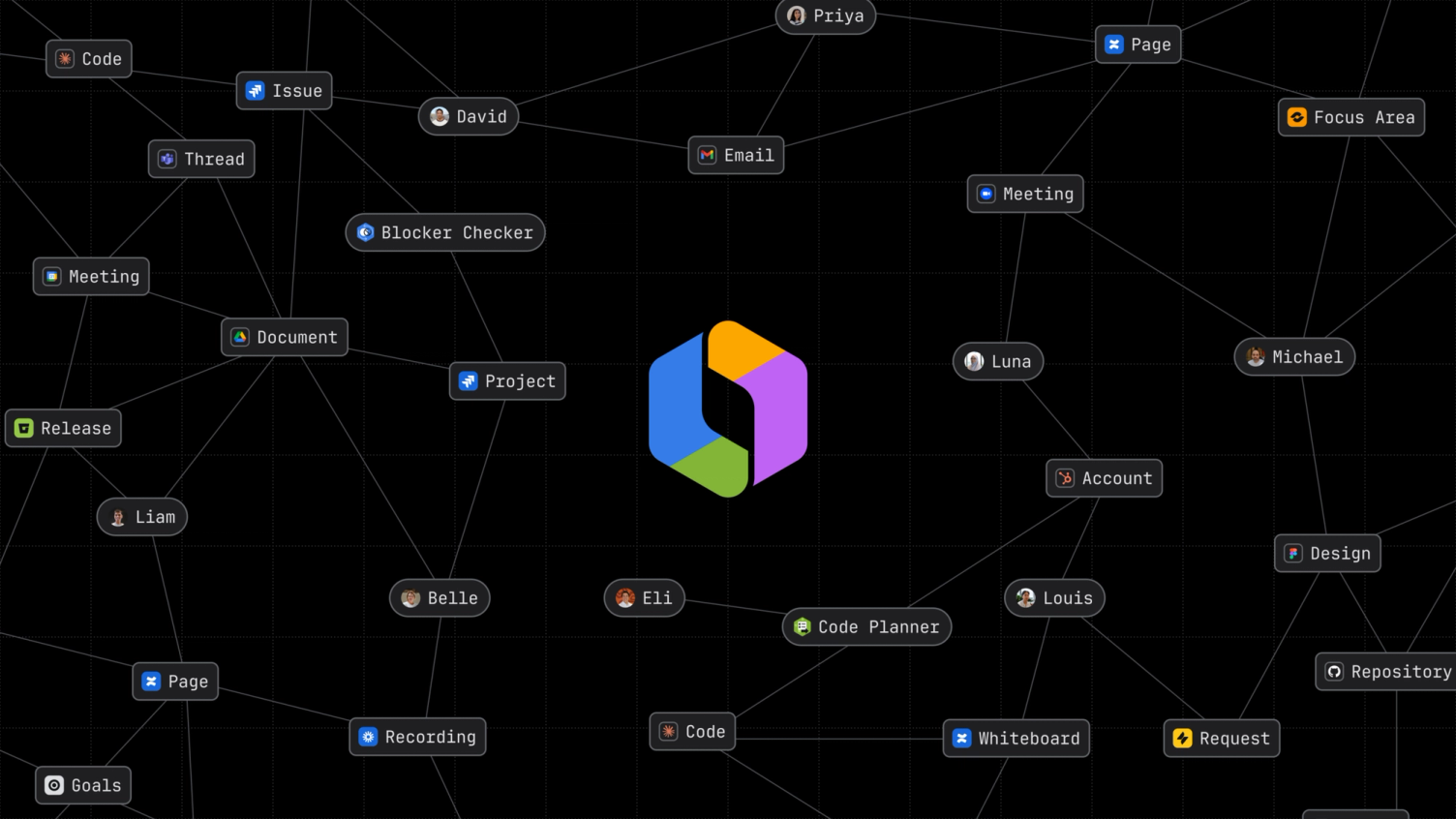
In practice, a graph exposes relationships, but it does not fix outdated pages. Before rolling out Rovo, know which spaces are maintained and which are not. For the rest of the Team ’26 announcements, see our Teamwork Graph recap.
Rovo Chat This Autumn: Memory, @Mentioned Agents, Shared Chats
In September 2026, Atlassian shifted Rovo Chat further towards teamwork. Four changes matter day to day:
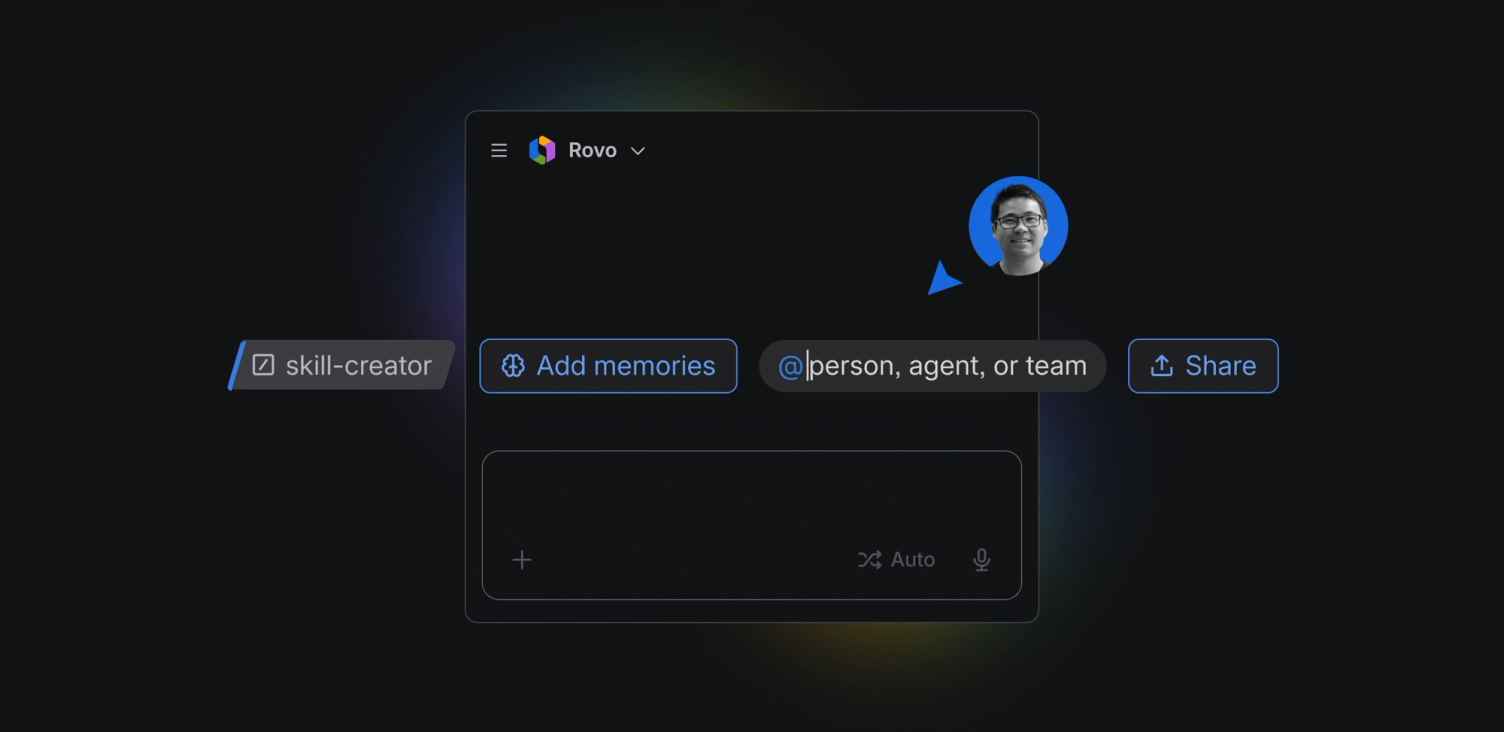
- Memory controls: a view shows what Rovo has learned about your preferences and work, such as preferred summary formats. You can edit entries, and users and admins can turn memory on or off at user and site level.
- @mention agents: bring in a competitive-intel or launch-planning agent and it receives the conversation’s context so far.
- Shareable chats: colleagues see how a conclusion was reached and pick up from there – while seeing only what they already have access to.
- Custom skills: encode team routines such as a sprint summary or bug triage as reusable skills. Rovo asks clarifying questions as it builds them, in Chat or in Rovo Studio.
Memory and shared chats are useful, but they belong in your data-protection review: decide before rollout whether memory should be on at site level.
Rovo Studio: Agents and Automations Without Code
Rovo Studio has been generally available since Team ’26. Teams describe what they need in plain language, and Studio assembles agents, automations and views. Triggers can be events such as a new hire, a critical incident or a deal moving forward. Custom apps are scaffolded as Forge apps and previewed before publishing.
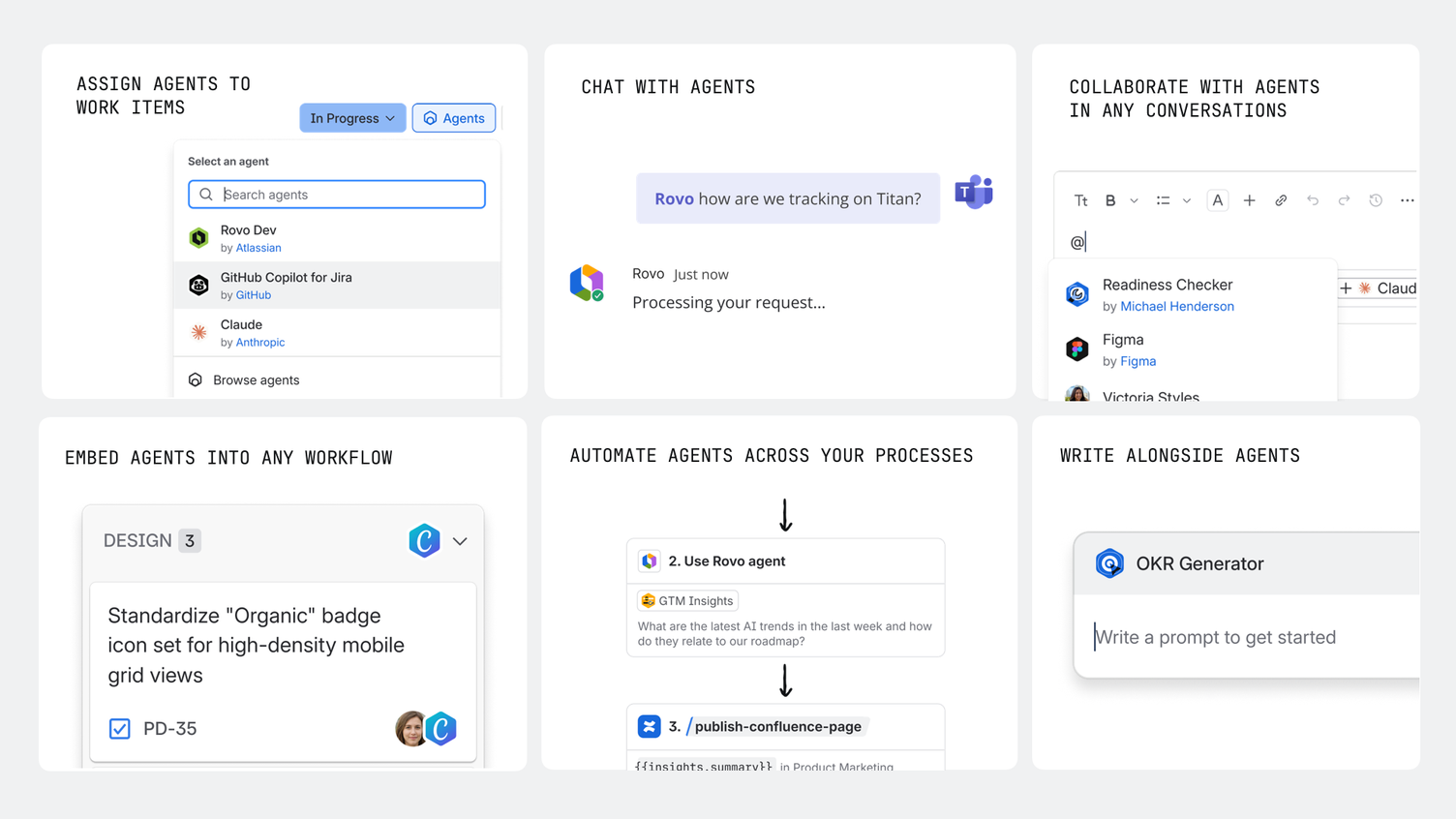
The question therefore shifts from “Can we build an agent?” to “Who may build and approve which agent?” Studio ships with roles, approvals, versioning and insights for exactly that. Whether a use case is better served by a Forge app or a Rovo agent is covered in our Forge app vs. Rovo agent decision guide.
Next, Atlassian has announced Max mode for Rovo Chat, initially in early access: it breaks complex requests into multi-step plans, runs them across Jira, Confluence and calendars, and asks for approval where needed. No general-availability date has been given yet.
What Customers Achieve, According to Atlassian
Atlassian shared several examples at Team ’26. They show where Rovo delivers measurable value today: recurring reports and routine questions.
- Teach for All: an agent drafts weekly reports from Jira and Google Sheets and gets to roughly 60–70% of the finished result before a person refines it.
- SpotOn: a sales-support agent in Slack answered 95% of channel questions; clean deflection rose from 40% to 53%.
- Lendi Group: Rovo connects Jira, Confluence, JSM, Slack and email so agents can reason with full context.
Check Plans and Credits Before You Roll Out
Important for budgeting: Atlassian says extra usage is enabled by default. Organisation and billing admins can disable it or set a spending limit; when extra usage is off, credit-consuming actions pause once the allowance is exhausted. Search, definitions and summaries are free; basic chat requests consume 10 credits, while complex requests vary. See the Atlassian Rovo credits documentation for current details and conditions.
According to Atlassian, Rovo credits are included in all paid Jira, Confluence, Service Collection and Teamwork Collection cloud subscriptions; a separate Rovo licence is generally not needed. Rovo can only be turned on if the org admin is on a verified business domain – organisations registered with generic email domains are excluded. Data Center customers can use some connectors, but the full feature set requires a suitable Cloud subscription.
Credits are consumed by certain AI actions and enriched context. Monthly allowances depend on product and plan and are pooled at organisation level. Extra usage billing is scheduled to start on 3 December 2026. Admins can monitor consumption and limit or disable extra usage. Current allowances are in Atlassian’s usage-limits documentation.
Governance: What Admins Can Control
With Team ’26, Atlassian expanded the admin side considerably. The controls live in the existing Atlassian admin surfaces:
- an org-wide inventory of all agents with usage insights
- separate permissions for AI access and for building agents
- data policies for third-party ingestion, chat filtering and enabling individual features
- dashboards and audit logs for AI adoption and credit usage
- data residency and choice of language model
For larger organisations, separating the right to use from the right to build matters most: many employees can use Rovo while only a small group creates agents that can write to Jira or Confluence.
Start With a Useful, Bounded Workflow
Choose one recurring task first. Identify where the relevant information lives, whether Rovo can reach it through connected sources, and what a useful result looks like to the team. Then decide which steps an agent can take on its own and where a person must review or approve.
Use this checklist before the pilot:
- One use case with a clear metric is chosen, such as time per weekly report or share of routine questions answered.
- Knowledge sources are named and current; outdated spaces are archived or excluded.
- Connectors to third-party apps are set up and permissions spot-checked.
- You have decided whether memory is on at site level.
- It is clear who may build agents and who approves them.
- The credit allowance and the extra-usage rule are aligned with the budget.
- A small pilot group tests with real examples and reports errors and edge cases.
In the pilot, review answer quality, source relevance, permissions and edge cases – not just time saved. Adjust knowledge sources and agent behaviour before expanding. For what a tailored support agent looks like, read our post on customising Rovo agents for efficient support.
Rovo makes connected knowledge easier to use, but it does not replace governance. Define data access, ownership and success criteria up front, and the pilot gives you solid numbers rather than a gut feeling.