Atlassian Platinum Solution Partner
Your Jira Instances, Finally in Sync
For IT, DevOps, and service teams who want tickets, comments, and workflows synchronized seamlessly across multiple Jira instances—with AI-powered insights from Atlassian Rovo.
Leading Companies Trust XALT






More Time, Less Effort
Seamless integration and AI-powered automation take work off your team's plate and keep customers happy.
Real-Time Sync
Tickets, comments, and attachments stay in sync automatically, updated every 15 seconds across every instance.
AI-Powered Efficiency
Automated summaries and weekly Confluence reports replace manual status updates for the whole team.
Transparent Collaboration
Detailed change logs and instant notifications keep everyone on the team in the loop.
Private, Secure, Scalable
GDPR-compliant data handling with unlimited sync capacity at one transparent, fixed price.
The Challenge
Repetitive Work, No Clarity, Little Transparency
Managing workflows across multiple Jira instances is cumbersome, and it affects every level of your organization:
- Repeated manual work slows progress and drains valuable productivity.
- Missed updates create confusion when ticket changes aren't clearly communicated across instances.
- Without a change log, it's unclear who updated a ticket, when, and how.
- Managers, customers, and other stakeholders lack a clear record of progress and decisions.
- Mismatched Jira setups between teams, such as Software versus Service Management, disrupt collaboration.
As projects grow, these bottlenecks become a real risk to deadlines, customer relationships, and stakeholder trust.
What Delays Really Cost
The Solution
Save Up to $120,000 With AI-Powered Synchronization
Advanced Issue Sync delivers proactive transparency that builds trust with internal and external stakeholders alike. Your teams get a complete overview of every issue instantly:
- An Atlassian Rovo AI agent automatically tracks updates to synced issues and highlights what changed in a clear table.
- AI automation generates weekly Confluence pages summarizing all project-related activity.
- Auto-generated summaries answer stakeholder questions about progress, changes, and blockers immediately.
The result: no missed updates, no opaque processes, and no frustrated stakeholders.
More Transparency, Less Effort: Features at a Glance
Real-Time Sync & Cross-Platform Integrations
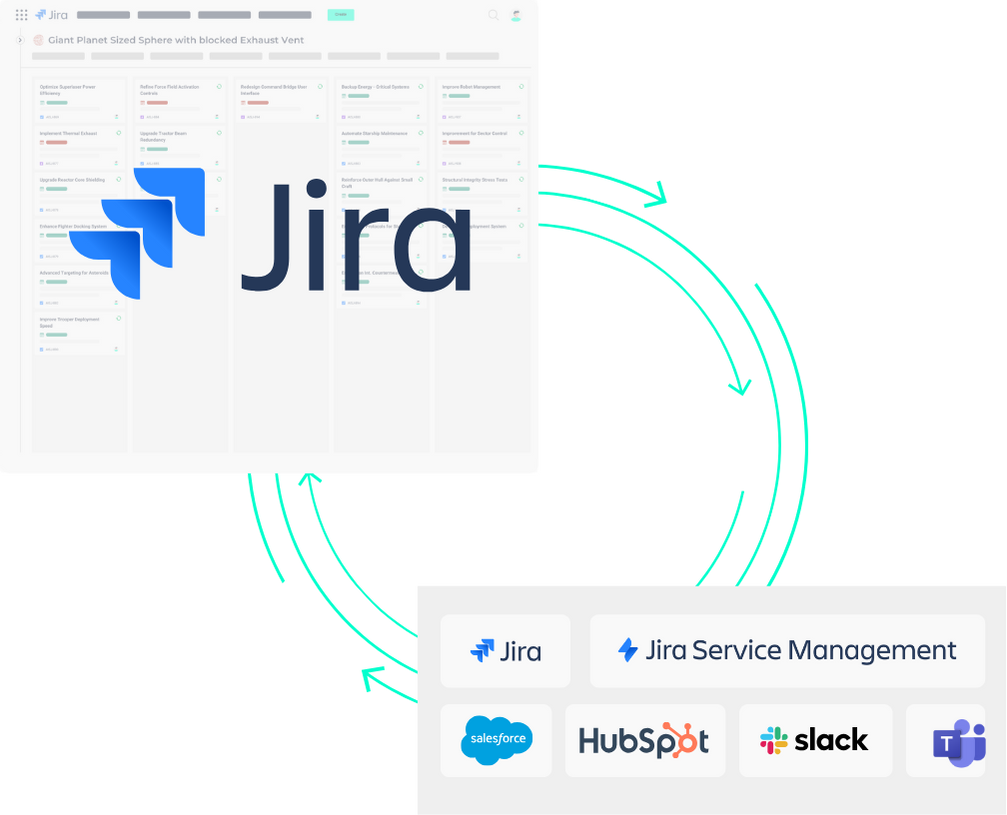
- Two-way synchronization keeps tickets, comments, attachments, statuses, priorities, and custom fields aligned across every instance.
- Flexible options: Jira Cloud to Jira Cloud, Jira Data Center to Jira Data Center, or cross-platform Cloud to Data Center.
- Extendable to external platforms like Slack, Salesforce, and HubSpot for end-to-end process alignment.
- Updates every 15 seconds eliminate delays and provide instant clarity.
AI-Powered Automation, Powered by Atlassian Rovo AI
- Enhanced issue tracking automatically highlights field changes, old and new values, in a table inside the Jira issue.
- AI automatically generates clear, concise updates on ticket activity.
- Weekly summaries are automatically published in Confluence, including synced tickets, closed issues, and activity logs.
Enhanced Transparency and Change Logging
- Detailed change logs right inside the issue make updates easy to follow.
- Instant "Issue Synced!" notifications keep everyone in the loop.
- Audit trails give service providers and project managers a clear record for their stakeholders.
Transparency and Personalization
- Teams work seamlessly across different Jira environments and workflows.
- Teams on separate Jira instances collaborate without switching systems.
- Product and project managers track issues together across Jira and Jira Service Management.
- Service providers give their customers transparent, consistent updates.
Enterprise-Level Security
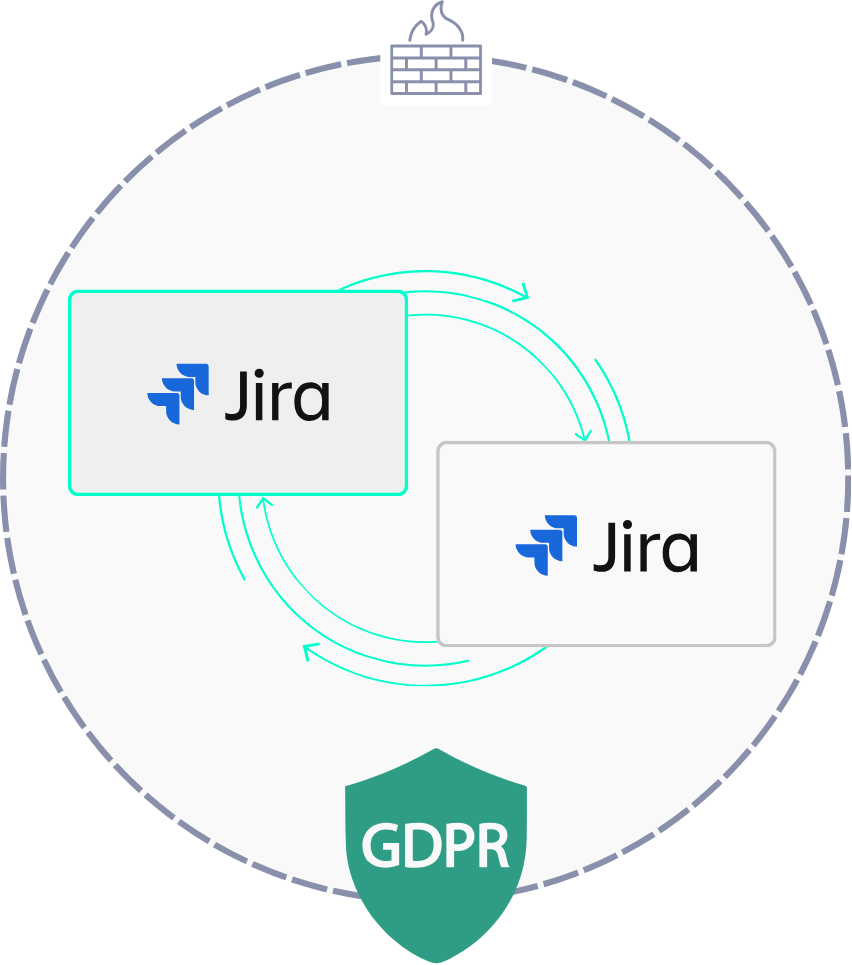
- Hosted behind your firewall for full control over your data.
- Data is never processed by third parties.
- GDPR-compliant: meets legal and regulatory requirements while preserving data protection and security.
Pricing & Synchronization
For teams that want to sync Jira instances without limits.
- Unlimited users
- Sync unlimited Jira and Jira Service Management instances
- Unlimited ticket synchronization
- Real-time sync
- Comment synchronization
- File attachment synchronization
- Custom field synchronization
- Workflow mapping: In Progress to In Bearbeitung
- User mapping: John Doe to John Doe (External)
- Advanced Issue Sync Rovo AI agent
Plus one-time implementation costs depending on your system and configuration
For companies that also need external tool connections and a custom AI agent.
- Everything in Business
- Sync to Salesforce, HubSpot, Slack, Microsoft Teams, and more
- Customized Rovo AI agent, tailored to your needs
- Priority support
Plus one-time implementation costs depending on your system and configuration
Frequently Asked Questions About Advanced Issue Sync for Jira
Do I need multiple users to use Advanced Issue Sync for Jira?
No—a single technical user is enough to set up synchronization between two or more Jira instances. Your teams keep working as usual.
Does the solution support syncing air-gapped systems?
Yes. Synchronization can run over secure file transfers or custom integrations, tailored to your security requirements.
Can I sync custom fields and workflows?
Yes—you can map and synchronize custom fields, workflows, statuses, and priorities across Jira instances, tailored exactly to your needs.
Does it work with both Jira Service Management and Jira?
Yes, both are supported, so support requests and development tasks stay seamlessly linked.
How often does the system sync, and are real-time updates possible?
By default, the system syncs every 15 seconds, keeping all Jira instances nearly real-time aligned.
Which teams is Advanced Issue Sync for Jira built for?
It's built for IT, DevOps, and service teams, plus project managers who need Jira instances kept in sync. It's not the right fit for small teams with low ticket volume or a single Jira instance.
Better call XALT
End the Sync Struggle
Start working smarter—with AI-powered synchronization across all your Jira instances.