Website, Intranet, Knowledge Base with Atlassian Confluence
Use Atlassian Confluence as an internal communication and collaboration tool. We support you in evaluating state-of-the-art technologies and building an intranet tailored to your needs and your company.
We Work With



Why Use Confluence as the Basis for an Intranet or Website?
Security
Run in line with GDPR: your data stays secure, and permissions decide exactly which users can see which areas.
Availability
On Atlassian Cloud, AWS or Azure, 99.95% availability is achievable, so your knowledge is there whenever someone needs it.
Extensibility
Confluence is highly extensible: Atlassian Marketplace apps and integrations shape it around what your business actually needs.
Personalisation
Personalise your Confluence intranet with plugins and extensions, from your own home page to content tailored to each team or location.
Knowledge Base
Find the Answer Without Knowing Where It Lives
What separates a file store from a knowledge base is whether someone finds an answer without knowing where it lives. Chat, email and a basic wiki rarely manage that. It takes search that still hits on vague terms, a hierarchy that follows how people think rather than the org chart, and versioning so nobody follows an outdated guide by mistake. Confluence has all three; they just need setting up properly.
- Templates and a content library, so every author starts from the same structure and tone, and shared building blocks are maintained in one place.
- Page and file versioning with a visible change date, plus an editor where several people can work on the same article at once.
- Categories and subcategories for every project, product or topic, with AI-assisted search across keywords and phrases.
- Flexible permissions: anyone without access to a space simply does not see it, whether they are internal or external readers.
- RSS updates, page watching, blog posts and on-page comments, so readers notice what has changed and can give feedback.
For small and medium-sized businesses, that means every important piece of information in one central place instead of scattered across drives, inboxes and chat threads.
Intranet with Confluence
Your intranet is the central hub for sharing all important information and news with your colleagues. The most important tools, access to all programs, and your appointments and tasks are just one click away.
Based on Confluence, we offer a forward-looking intranet solution that lets you make your internal communication and collaboration as simple as possible. Use Confluence as an intranet to share your business-critical information with your team.
To build the intranet, we use plugins from our partners on the Atlassian Marketplace. We help you choose the right tools!
In addition to using Confluence as an intranet, our solution also lets you create a website, knowledge base, or help center. With the right plugins, the global layout, branding, and domain of Confluence pages can be customized quickly and individually.
A practical example is our project with estos. For this, a public help center was built on the domain support.estos.de on the basis of Confluence.
Simple Collaboration with Atlassian Confluence
Employee Directory and Profiles
Find the right person for your question quickly and reach them directly through the built-in communication tools.
Company News
Publish the latest company news, organised by category, location, role or date and personalised for each employee.
Company Wiki
Give your people every important piece of company information in one place – and keep it current with very little effort.
Create Content and Share Ideas Intuitively
Creating content has never been easier for your team, and sharing an idea takes no more than a new page.
A Help Desk for Your Workforce
Build your own internal knowledge base in Confluence, where every question and answer stays archived and easy to find.
Personalisation and Company Branding
Personalise your intranet to your needs and match it to your brand: home page, logo and colours.
Built-in Search
Search for images, locations, text or keywords – the built-in search gets you to the right content fast.
Internal Job Portal
Advertise open roles in Confluence and fill them internally. With plugins, Confluence can grow into an HR management portal of its own.
Integrations
Confluence Connected to the Tools You Already Use
A knowledge base gets used when it shows up where people already work. So we connect Confluence to the platforms your company relies on. Content is maintained in one place and surfaced wherever your team needs it, which turns the knowledge base into a digital workplace rather than one more silo.
- Jira: embed issues straight into knowledge base and intranet pages, so documentation and project status stay together.
- Microsoft 365 and Teams: add files, edit content and show calendars on Confluence pages.
- Google Drive: bring in files from Drive and share them with your team without filing them twice.
- Slack and Zoom: share information and work on it together in Slack, and get notified about events and meetings from Zoom.
- Internal developer platform: connect your IT teams' portal, so technical documentation lives where the development happens.
The Plugins We Build Your Knowledge Base With
Three Atlassian Marketplace extensions cover what Confluence cannot do on its own: publishing as a website, building an intranet and giving it your own design.
Scroll Viewport by K15t
Publishes Confluence content as a public website or help centre – one source, with its own design for your customers.
Linchpin by Seibert Media
Turns Confluence into a social intranet: personalised start pages, employee profiles and news in one central hub for your teams.
Refined for Confluence
Gives the whole thing your look: website-style navigation, your own branding and a separate portal for each audience.
How Your Knowledge Base Comes Together
This is how we approached it with the German Alpine Club (DAV), whose knowledge base and help centre now serve its local sections as a reference and as the basis for training.
Clarify Requirements
We look at where knowledge sits today, who maintains it and what your people most often search for in vain.
Choose the Apps
We evaluate apps from the Atlassian Marketplace, such as Scroll Viewport for publishing content as a website.
Set Structure and Permissions
Hierarchy, categories and permissions are agreed before the first article is written, for internal and external readers.
Branding and Templates
Corporate branding, tailored page templates and an editorial guideline keep every article consistent.
Self-Service Portal
A help centre on its own domain answers questions. If no article fits, a ticket goes straight to the IT team.
Roll Out and Measure
Workshops for your editors, plus usage KPIs, for example in Google Analytics, so the gaps become visible.
Success Stories: Intranets and Knowledge Bases
We have delivered a number of intranet, website and knowledge base projects on Confluence – from the intranets at BSH and EEX to the knowledge base and help centre for the German Alpine Club (DAV).

Sports association
Building a Dynamic Knowledgebase with a Help Center Function Based on Confluence and Scroll Viewport
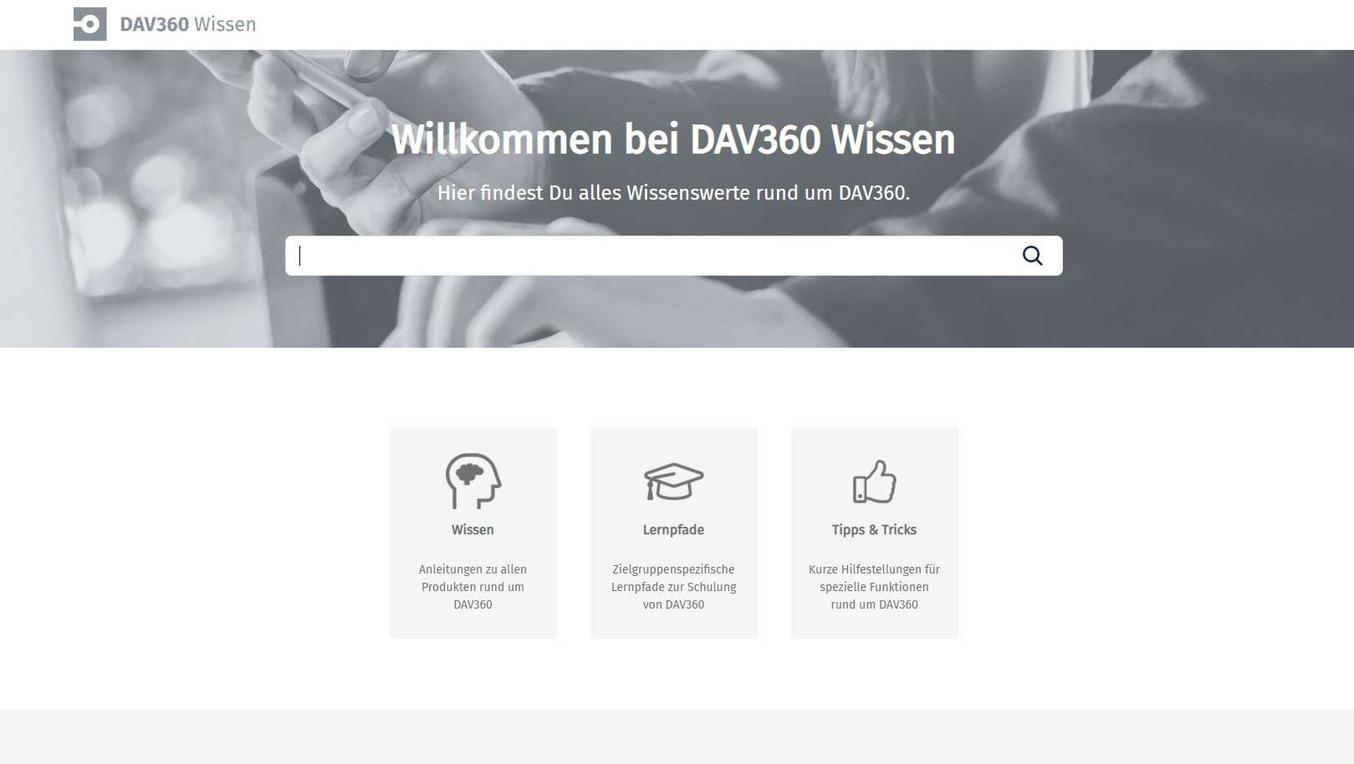
The Deutscher Alpenverein wanted to make its Confluence knowledge as easy to access as a website – without the upkeep of a website. With Confluence and Scroll Viewport, that became DAV360 Wissen: a knowledgebase, a help center and a learning portal with courses and quizzes.
Read case study →
Home appliances
Digital Workplace and Intranet for 60,000 Employees at BSH Hausgeräte
60,000 employees in 51 countries, 25 languages – and an intranet on SharePoint where only the editorial team could publish. The new one runs on Confluence and Linchpin: everyone can write, everyone sees tailored content, and it has won two awards.
Read case study →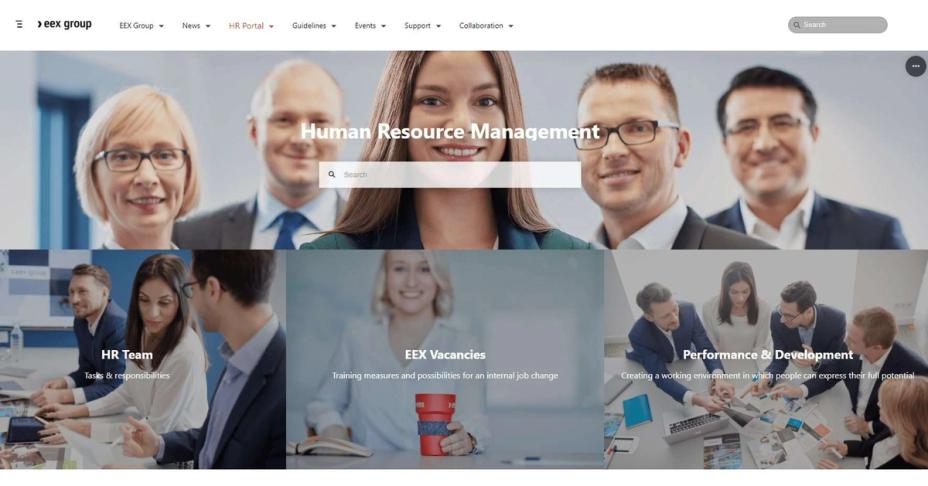
Energy trading
Dynamic Redesign of the EEX Intranet with Refined
EEX Group needed a new intranet in two and a half weeks – the old one was still running on a different platform. With Confluence and Refined, it became a work platform for around 700 employees: a mega menu instead of searching, its own corporate design, and content maintained by the teams themselves.
Read case study →
How We Support You
What We Take On Beyond the Setup
A knowledge base only works if someone keeps it alive. So we help you evaluate the technology and pick the right plugins from the Atlassian Marketplace, and we work with you to make sure content actually gets written and used.
- Programme and project management plus requirements analysis, so it is clear from day one what the platform has to do.
- Service and experience design, and content strategy consulting on structure, navigation and tone of voice.
- Creating and editing content as text, video or podcast when your team does not have the time.
- Training, change management and communication coaching for leaders, so people actually adopt the platform.
- Employee self-service desk and ticketing, and support for digital transformation well beyond the project itself.
Thinking about Confluence as your knowledge base or intranet? Your contact is Dr. Veronika Traidl. Get in touch by phone or email, or visit us at our office.
Talk About Your Knowledge Base
Tell Us Where Your Knowledge Lives Today
In most companies, in several places at once. Tell us where it sits in yours – that is the quickest way to show what a knowledge base would change.
- We look at what your people most often search for and fail to find.
- You get a proposal for structure and permissions, not a product catalogue.
- If you already run Confluence, we build on it rather than next to it.
BETTER CALL XALT
Confluence as Your Knowledge Base or Intranet – Let's Talk
Thinking about Confluence as your knowledge base, intranet or website? Tell us where you are today, and we will come back with an assessment of what fits your team and your content.