You put a great deal of effort into communicating with your customers and strive every day to improve your customer service and customer experience. In addition to a professional team, a website, and active social media profiles, this also means having a modern ITSM tool like Jira Service Management for your employees and customers. However, many companies make the mistake of relying on generic layouts and failing to fully exploit the available potential.
This is precisely where the difference between good and great is made. That is why a Jira Service Management instance tailored and personalized to your customers and employees is a tool you should not overlook.
After all, you want to make an outstanding impression from the very first visit or issue. Out of the box, Jira Service Management already offers several native customization options that you should definitely take advantage of. In addition to the built-in features, you can link your Jira Service Management with a Confluence Wiki and, for example, extend and further personalize it with Scroll Viewport.
Use Case -DAV Jira Service Management with Scroll Viewport
4 Essential Customizations in Jira Service Management
1. Customization and Personalization of the User Interface
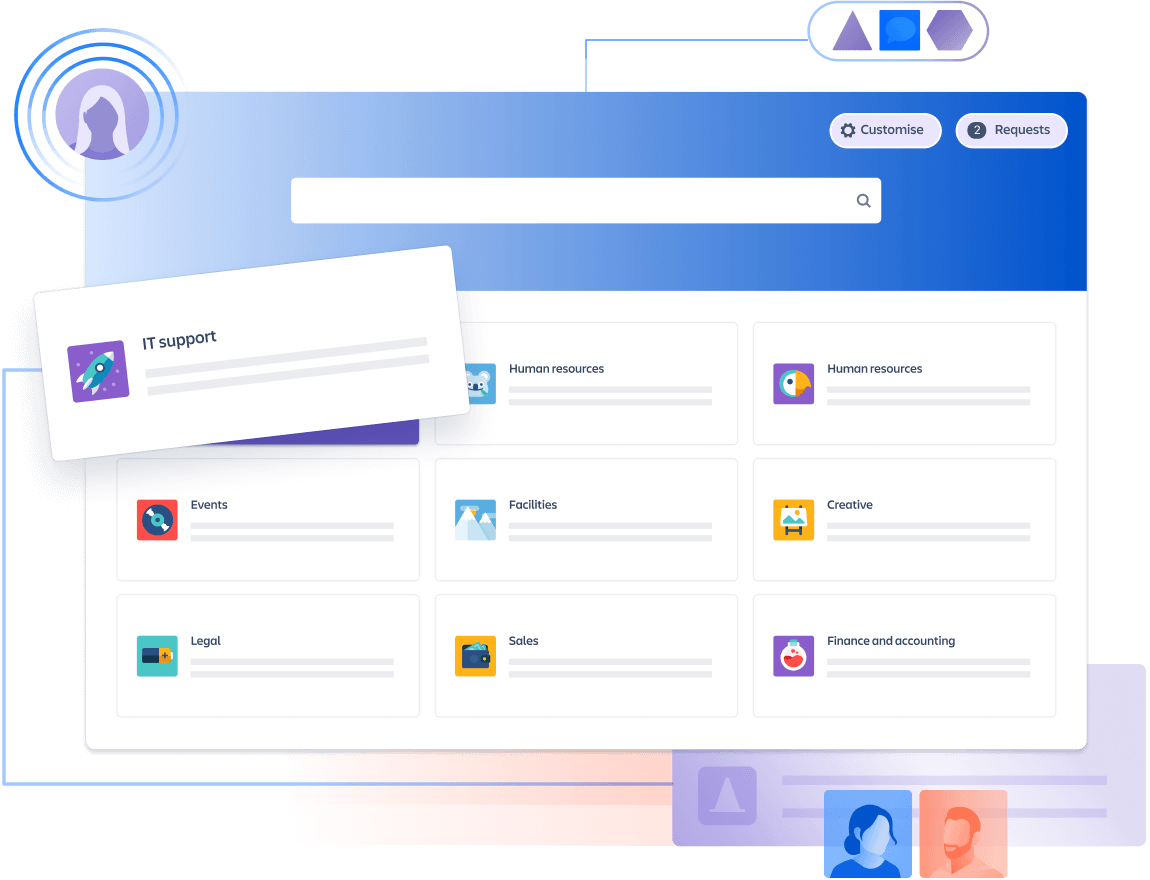
Starting with Jira Service Management version 4.1, Atlassian introduced several new features for personalizing your customer portal and help center. From this version onwards, you can customize the user interface to your liking and, for example, align it with your corporate identity or design. This ensures that your brand or visual identity is visible here as well.
With Service Management version 4.2, access to the source code was additionally made available. This allows you to further personalize your Service Management and tailor it entirely to your needs. However, it should be noted that this is not possible without extensive developer expertise.
You need support with customizing your Jira Service Management Customer Portal? We are happy to advise you on all questions related to Service Management. Learn more here.
Customizing Jira Service Management Using Plugins
Before you get started and have your developers fully customize the Service Management, you can also rely on plugins first.
A plugin that allows you to customize your Jira Service Management instance is "Refined for Jira - Sites and Themes". With it, you can create appealing support and project management pages with personalized themes, layouts, and navigation. Additionally, the system learns over time and shows your users pages tailored to their needs.
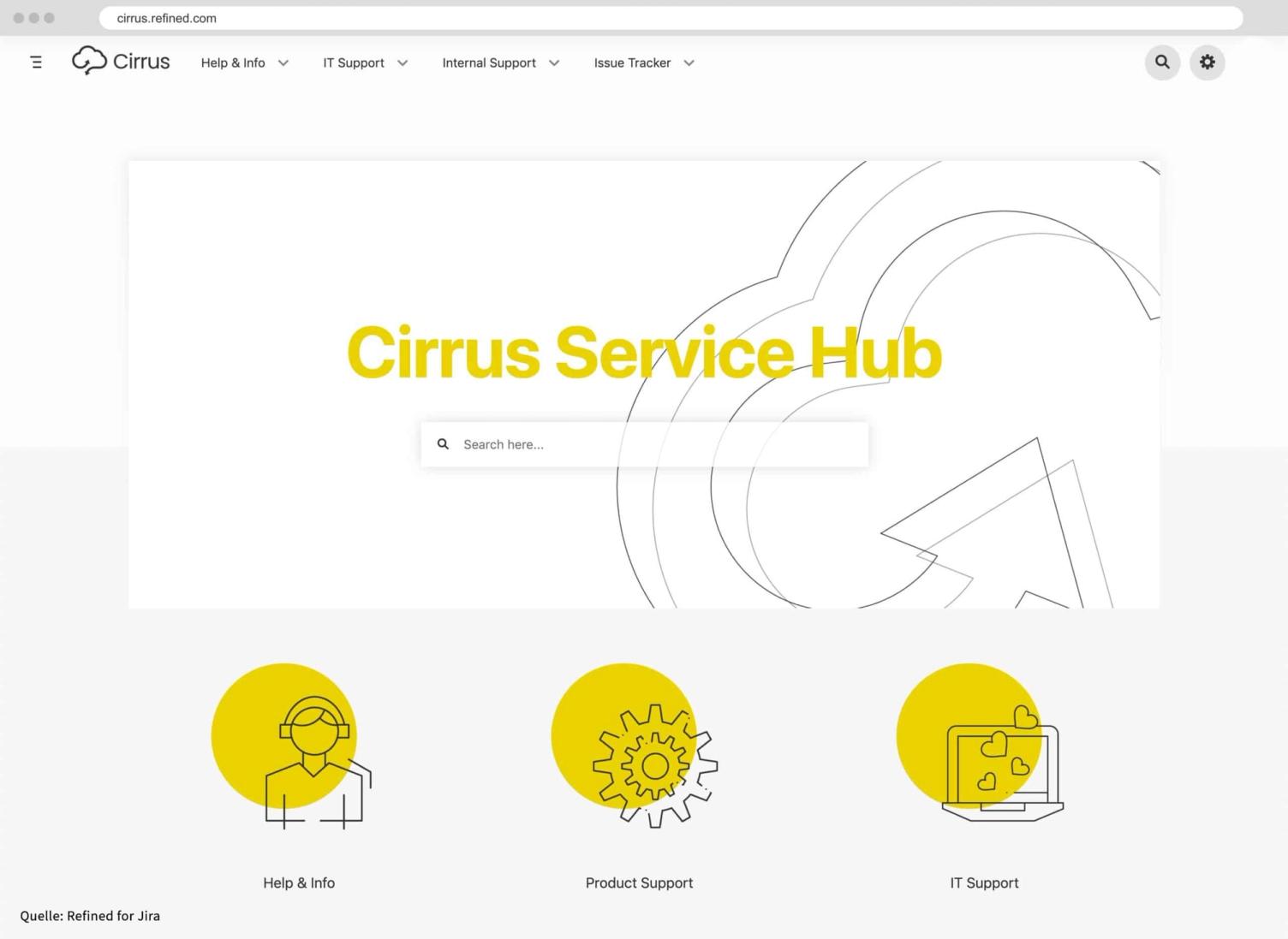
Another plugin that gives you the ability to customize the interface is "Theme Extension for Jira Service Management". It comes with the ability to use pre-set themes and display your content in the form of cards, making information even more accessible to your users.
2. Setting Up Custom Request Types
The help center is often one of the first touchpoints your customers or employees encounter in the support process. Typically, they can choose from multiple portals and request types, which can often be overwhelming. No matter what question or issue they have, your users should always be able to find the right point of contact on your site.
You can create recurring request types in the project settings of your Jira Service Management. It is best to use key words or key phrases that best describe your users' issues. For example, you can use the keyword 'Hardware Issue' for problems with laptops, printers, or other technical office equipment. However, make sure to always use the language of your users to avoid confusion in the topics.
Also note that 'Request Type' and 'Issue Type' are not the same thing. Hardware or software issues, for example, can be different request types for users but may be assigned as a single issue in your support system.
3. Adding Custom Fields to the Request Form
Out of the box, the request form in Jira Service Management only includes the fields Summary, Description, and Attachment. However, this is often not enough to either properly describe or correctly classify a problem. Additionally, the default terms in Jira are not familiar to everyone and should therefore be customized in all cases.
Jira Service Management allows you to set up individual, personalized request types tailored specifically to your users. Furthermore, you can assign a fixed priority to certain issues or always route them to the same support agent.
To create custom requests, you first need to create custom fields that you can then add to request types. You have a wide range of options and can add text fields, checkboxes, date pickers, lists, or even payment methods.
4. Linking a Knowledge Base with Confluence and Scroll Viewport
Your support and service team surely doesn't want to keep answering the same requests over and over again. That's why it often makes sense to extend modern ITSM platforms like Jira Service Management with a self-service option. For example, you can link your Jira instance with a knowledge base such as Confluence and provide your users with articles that enable them to resolve their issues on their own.
Jira Service Management comes with a standard search function that allows your users to browse the database. This makes it a good idea to store answers to frequently asked customer questions directly in Confluence.
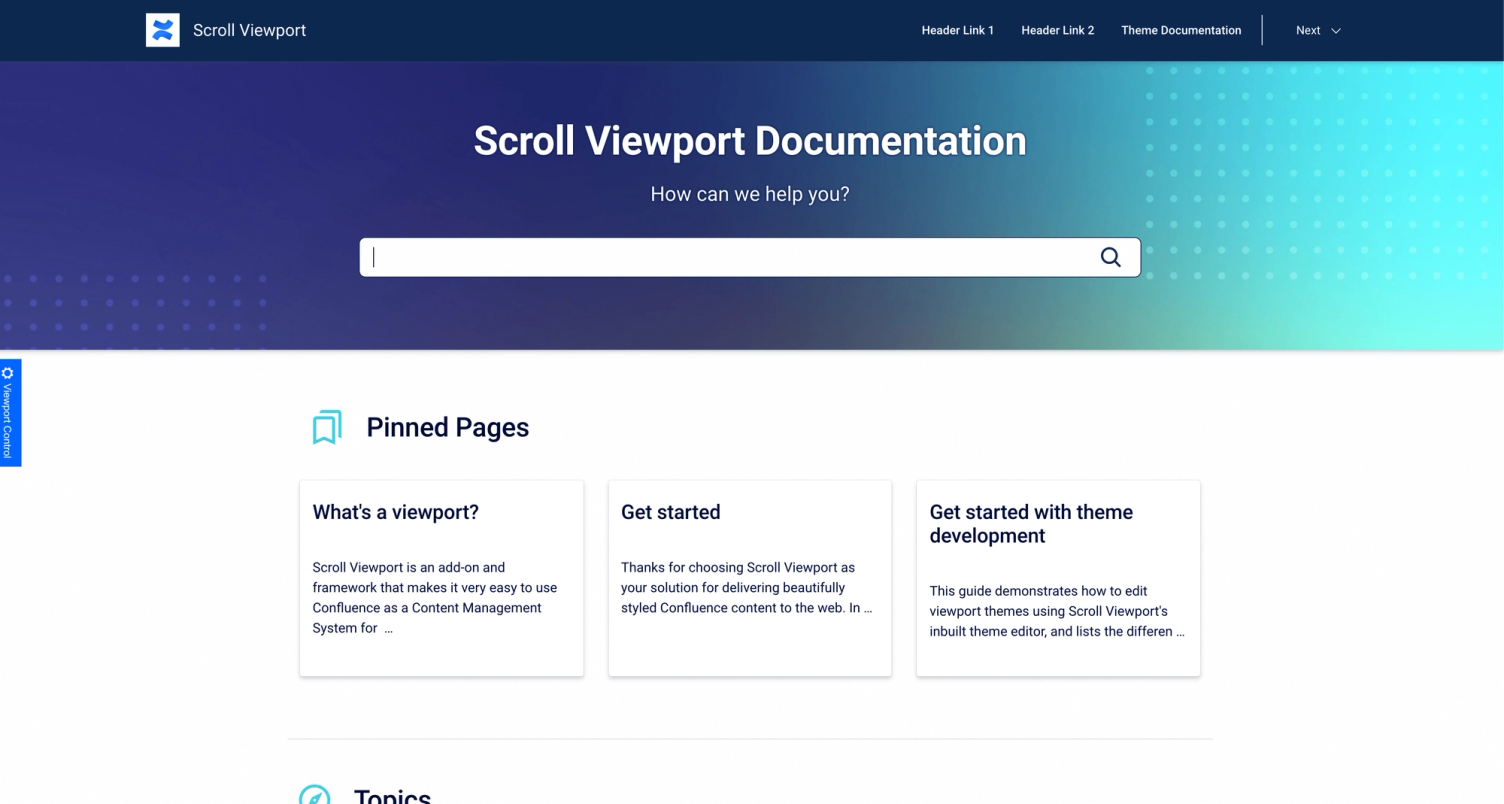
A tool that directly links your help center with your documentation in Confluence isScroll Viewport. This enables your team to continuously improve your help center and expand it with new self-service articles without leaving the platforms you're already using. What's even better about Scroll Viewport is that you can equip your help center with a custom link (custom domain). This ensures your users still feel like they're within your company's environment.
A personalized Jira Service Management makes your users happy
Personalization and customization are essential steps you should definitely consider when using Jira Service Management. However, the default settings often fall short of providing your users with the flexibility they need to describe their issues or route them internally to the right team. With plugins, themes, and individual settings, you can configure your Jira Service Management to meet your specific needs and requirements. This also ensures that both your employees and customers are satisfied, always find the right information, and that you can continuously improve your customer service.
Need support with customizing your Jira Service Management Customer Portal? We'd be happy to advise you on all questions related to service management.Learn more here.
Would you like to learn more about the possibilities of Jira Service Management and Confluence as a knowledge base? In our use case, we show you how to create a dynamic service desk for a club with the help of Jira Service Management, Confluence, and Scroll Viewport1.3 million membersbuilt.
Regarding the use case -DAV Jira Service Management with Scroll Viewport