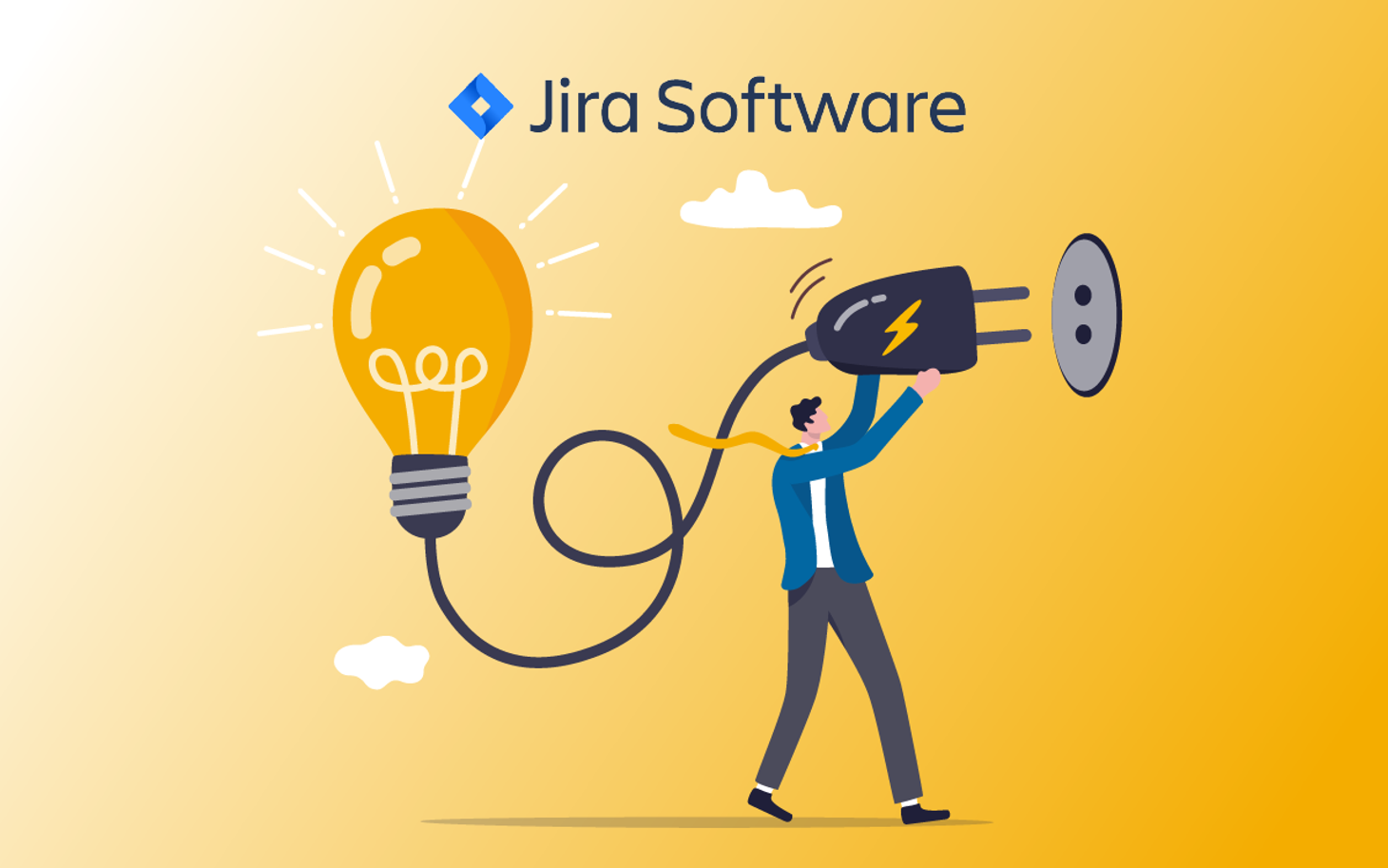
As the Jira Admin of your company, you constantly receive messages from users who have problems with your Jira. Sometimes they cannot access a specific feature, and at other times certain views and information are not available. However, as an Admin, it is not always easy to trace the cause of the problem. The simplest solution would be to see the problem from the user's perspective and test it live. There is an app in the Atlassian Marketplace for this: the User Switcher.
What is the User Switcher?
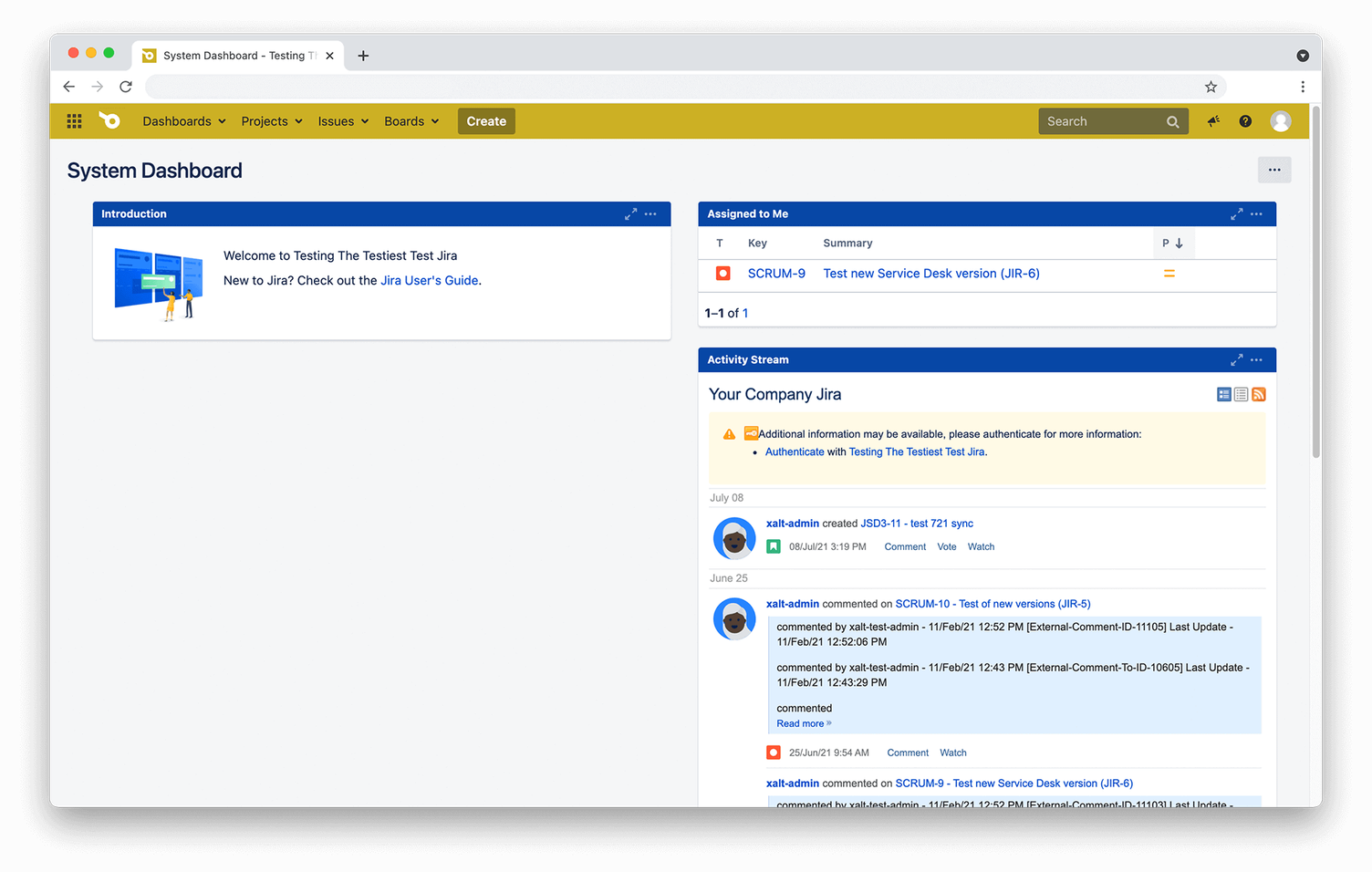
The User Switcher is an app for Jira and Confluence that allows you to switch directly to a user's account and view the Jira instance in their configuration and with their permissions.
The app includes several security measures. First, it can only be used by admins, so misuse by other users is not an issue. Second, it is also possible to prevent even admins from viewing certain user groups (for example, C-level, IT security, etc.).
How does the User Switcher work?
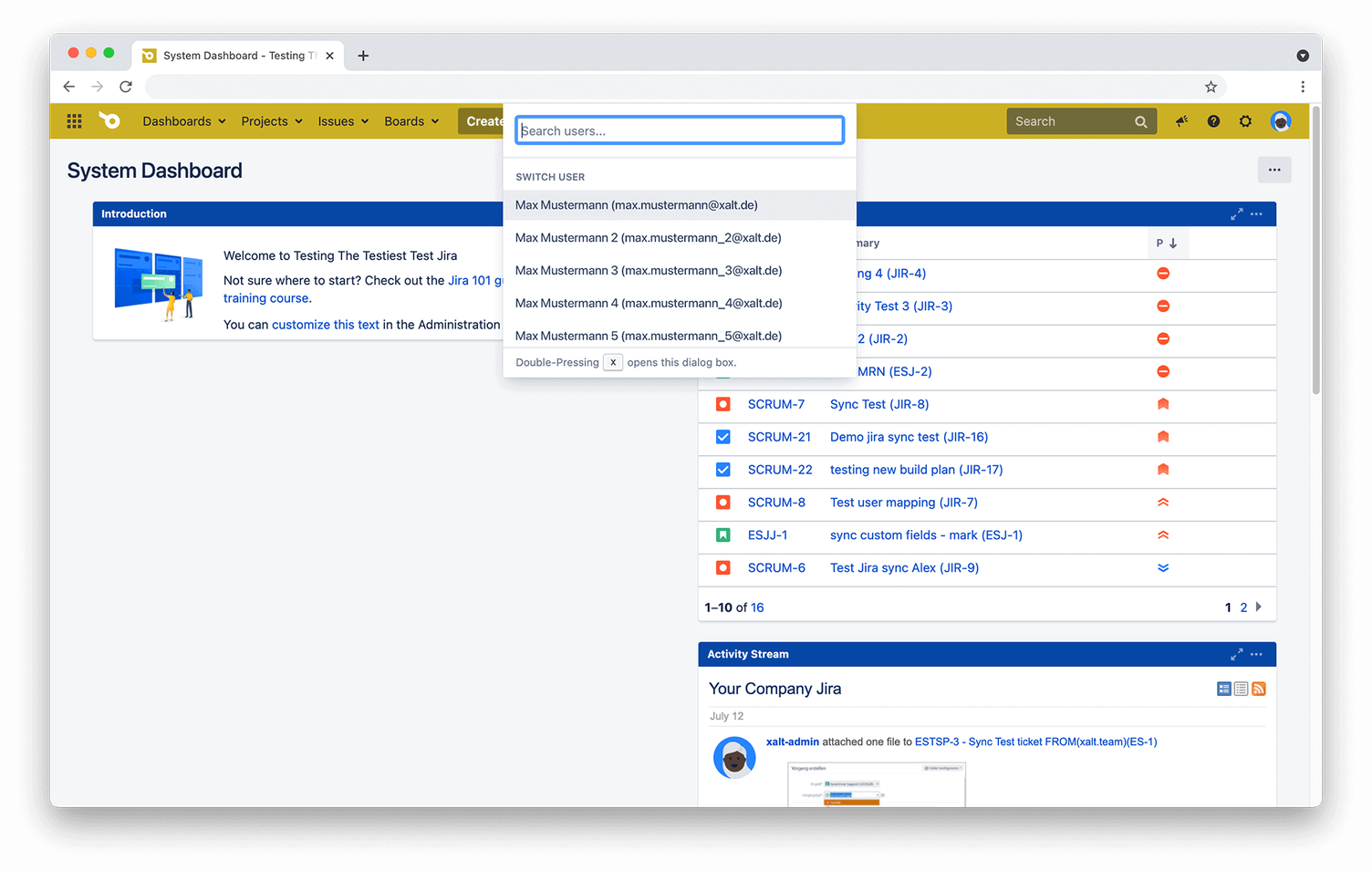
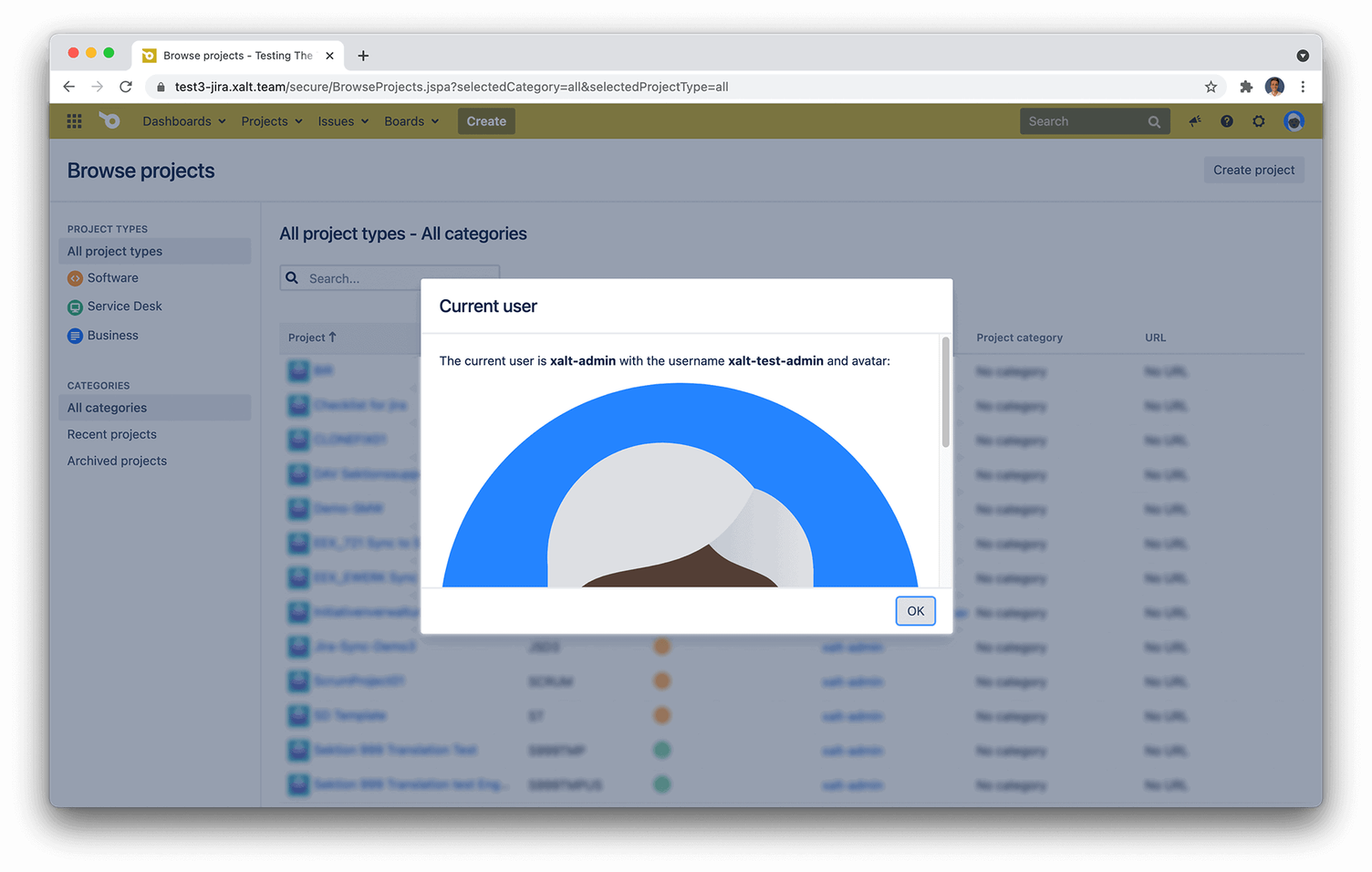
The app is integrated directly into your Jira and is accessed via shortcuts. For example, you type “xx” on your keyboard. A popup then opens where you can search for users and switch to a user. Additionally, you can use the key “who” to display which user you are currently viewing.
What are typical problems?
1. The Jira admin cannot trace the problem despite having access and read permissions
As an admin, you are probably familiar with this. A user reports a problem with their Jira. For example, they can no longer display or edit a specific ticket despite having access and read permissions, even though other tickets in the project can be edited without restriction.
Despite a detailed problem description, it is not possible for you as a Jira admin to trace or reproduce the problem. Troubleshooting then becomes correspondingly difficult. The solution in this case would be to have the user's login details handed over to you (e.g., with a temporary password), which would have data protection consequences. Or you would have to analyse and resolve the problem together with the user via Zoom or on-site. In any case, this leads to additional time expenditure.
2. Dashboards are displayed incorrectly
Many Jira users always rely on their dashboard to obtain important information about tickets and projects. However, from time to time, important data is no longer displayed correctly for the user.
As a Jira admin, this means having to painstakingly put together a JQL query to find out why the dashboard is faulty for the user. Another approach is for the user to share the dashboard and the configured filters with you, the admin. Only then are you able to gather further information and analyse the problem in more depth.
The problem with both approaches, however, is that 100% accuracy cannot be guaranteed. This can only be ensured in this scenario if you, as an admin, switch to the user. The background to this is that some information is only visible and released to the relevant user (despite admin permissions).
In both scenarios, a similar fundamental problem is reflected: A Jira admin can only analyse and resolve the problem with difficulty due to a lack of direct access to the affected account.
The solution: User Switcher for Jira
The User Switcher for Jira allows an admin to switch to the affected user's account at any time. This usually eliminates the need to identify the cause through complex approaches. Excessive time and effort belong to the past, and you as an admin can focus on important tasks again. In addition, administration is further simplified.
Taking over a user profile and data protection? - Is that possible?
You might be thinking: All well and good. But perhaps I am not allowed to switch to certain user groups.
In all companies, there is a wide variety of data that must not be viewable by regular users (including Jira Admins). This mainly concerns sensitive project data, financial data, or data related to the C-level or IT security.
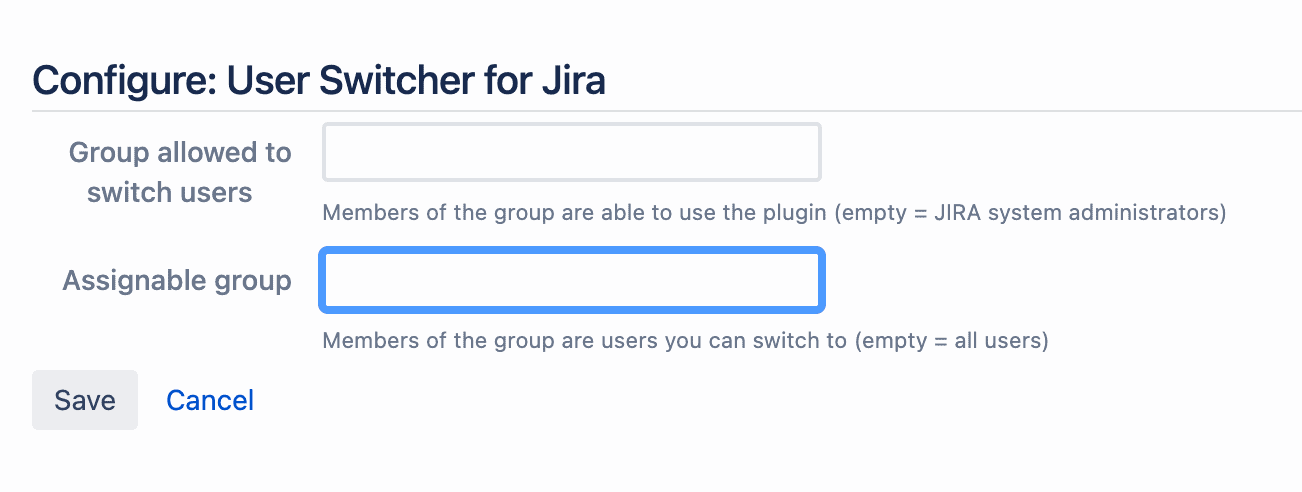
In such a case, it is possible to configure the User Switcher so that even Admins can only access certain user groups. All others are then not viewable to you as an Admin.
This also ensures the data protection (and compliance) of your company and protects sensitive data from prying eyes.