For teams working across multiple Jira instances, wanting to synchronise Jira with Jira Service Management, or collaborating with other companies in Jira, synchronisation solutions such as Advanced Issue Sync for Jira are essential. Here we examine two prominent tools: Exalate vs Advanced Issue Sync for Jira, and provide a detailed comparison to help you choose the right solution.
- Why do you need a solution for synchronising Jira tickets?
- Exalate: A detailed look
- Features
- User-friendliness and interface
- Pricing model
- Customer support and documentation
- User feedback and reviews
- Pros and cons
- Advanced Issue Sync for Jira: A detailed look
- Features
- User-friendliness and interface
- Pricing model
- Customer support and documentation
- User feedback and reviews
- Pros and cons
- Seamless synchronisation between Jira instances
- Why Advanced Issue Sync for Jira is the better solution for Jira
- When is Exalate the better solution?
- Exalate vs. Advanced Issue Sync for Jira: At a Glance
- Conclusion
Why do you need a solution for synchronising Jira tickets?
A solution for synchronising Jira tickets offers several key benefits:
- Increased efficiency and time savings: Automatic synchronisation eliminates the need for manual data transfer and reduces human error, saving time and increasing efficiency.
- Data consistency and accuracy: Real-time synchronisation ensures that all stakeholders are always up to date, thereby guaranteeing data integrity.
- Improved collaboration and communication: All team members have access to current information, which enhances collaboration and communication within the team.
- Scalability and flexibility: Synchronisation solutions make it easy to integrate additional Jira instances or other platforms, which is particularly beneficial for growing businesses.
- Compliance with security and compliance requirements: Solutions that are operated behind the firewall and offer encrypted data transfer help meet strict data protection regulations.
- Reduced IT burden: IT resources are relieved as the need for manual data transfers and integration maintenance is eliminated, allowing IT departments to focus on more strategic tasks.
Exalate: A detailed look
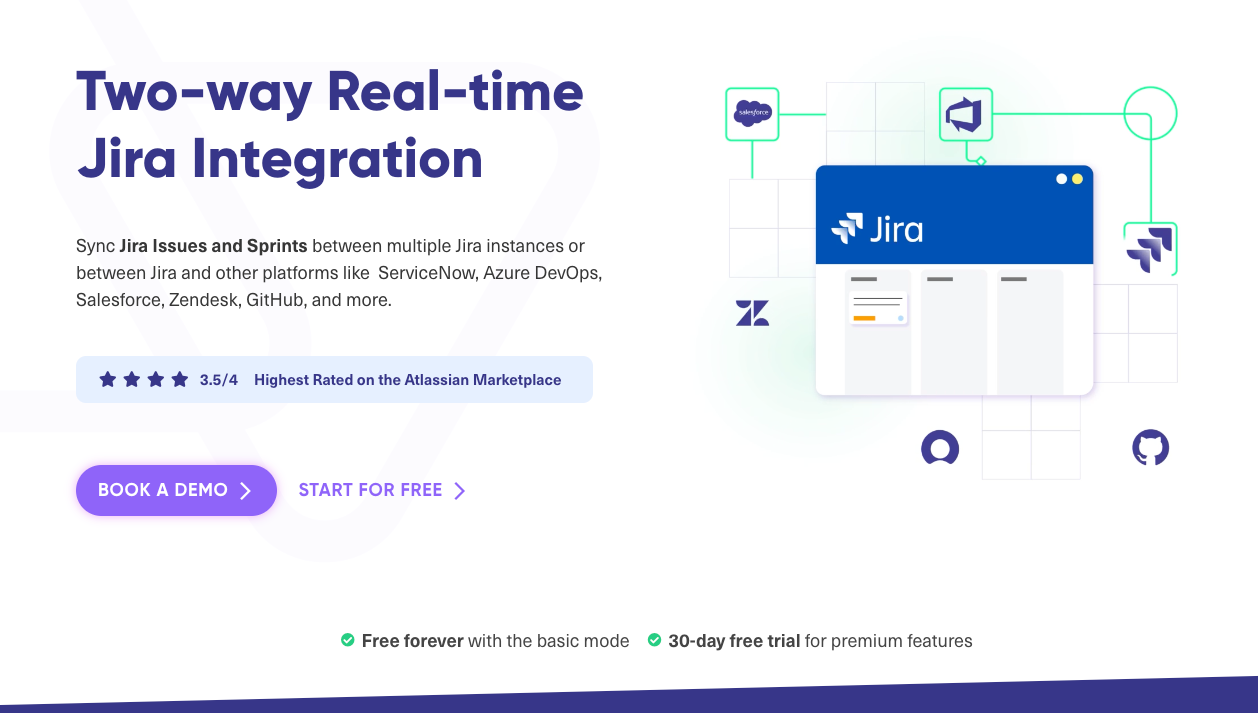
Exalate was designed to enable seamless integrations across different platforms, including Jira, ServiceNow, Zendesk, GitHub, Salesforce and Azure DevOps. Its robust capabilities cater to both internal team collaboration and complex cross-organizational projects.
Features
- Issue synchronisation: Exalate supports the synchronisation of +40 fields. These include summaries, descriptions, comments, attachments, status, priorities and custom fields across Jira instances and other platforms.
- Customisation: Offers Basic, Visual and Script modes for various levels of customisation. The Script mode, supported by Groovy scripts, provides advanced users with extensive customisation options.
- Integration: Bidirectional synchronisation across multiple Jira instances and integration with other platforms ensure data consistency.
- Security and compliance: Features such as encrypted communication and granular data control ensure secure synchronisation.
- Scalability: Designed to handle large volumes of data, making it suitable for growing organisations.
User-friendliness and interface
- Basic Mode: Simple setup for basic fields, ideal for quick integrations.
- Visual Mode: User-friendly drag-and-drop interface.
- Script Mode: Requires programming skills but offers maximum flexibility.
Pricing model
Exalate offers a free plan for up to 1,000 new issues per month, with detailed pricing based on the number of users and the deployment model (Cloud, Server, Data Center).
Customer support and documentation
Comprehensive documentation and a dedicated support team are available, as well as resources such as the Exalate Academy for learning advanced features.
User feedback and reviews
Users praise Exalate for its flexibility and extensive feature set, although the Script Mode can be complex for non-programmers.
Pros and cons
- Advantages: Highly customizable, supports multiple platforms, robust security, excellent support.
- Disadvantages: Complexity of the Script Mode, steep learning curve for advanced features.
Advanced Issue Sync for Jira: A detailed look
Advanced Issue Sync for Jira aims to optimize workflows between multiple Jira instances, supports Cloud, Server, and Data Center deployments, and is suitable for complex cross-organizational projects and communication. Furthermore, the advantage of Advanced Issue Sync for Jira is that it does not require installation on the respective systems, but runs in the background while covering data protection regulations such as GDPR and DSGVO.
Features
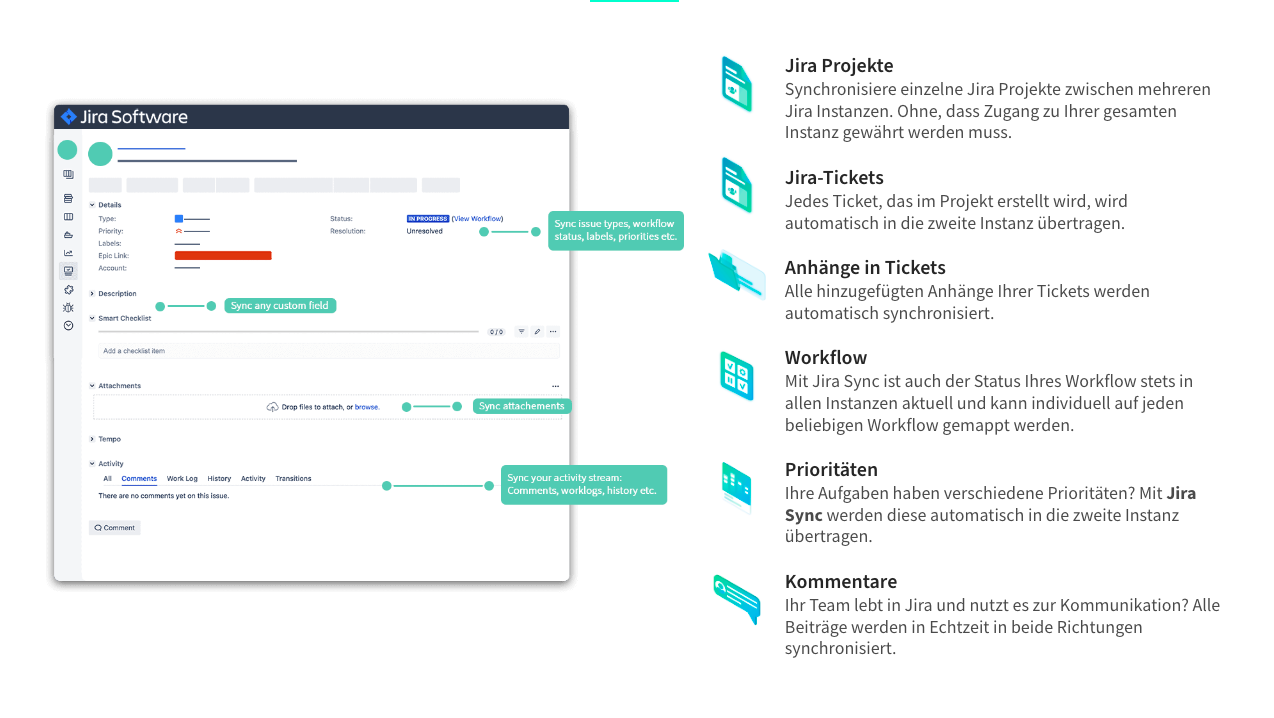
- Issue Synchronization: Supports bidirectional synchronization of tickets, comments, attachments, status, priorities, and custom fields.
- Integration: Bidirectional synchronization across multiple Jira instances and Jira Service Management instances, ensuring data consistency.
- Workflow Synchronization: Automatic synchronization of tickets managed in two (different) workflows in both systems to ensure that status updates are reflected in all instances.
- Custom Fields and Issue Types: Detailed customization, including the synchronization of custom fields and the mapping of different issue types.
- Security and Compliance: Emphasis on security through installations behind the firewall, meeting GDPR requirements.
- Scalability: Offers unlimited synchronization capabilities (limits set by Atlassian itself (e.g., attachments cannot be >2GB)) without additional resources or higher product tiers, which is cost-effective.
User-friendliness and interface
- No Plugin Installation: The solution works independently of the Jira instance, reducing IT load. Advanced Issues Sync for Jira is hosted by XALT itself and is therefore a "Sync as a Service".
- User-Friendly Setup: The one-time setup reduces administrative effort.
- Lightweight Service: Runs as a lightweight service, offering flexibility and scalability.
Pricing model
At a price of €399 per month, it includes unlimited users and instances, real-time synchronisation, and comprehensive support for custom fields and workflow mapping.
Customer support and documentation
Offers 24/7 support, free maintenance and configuration changes, as well as detailed documentation and guides.
User feedback and reviews
Users appreciate the ease of use and robust security features, frequently praising the seamless synchronisation of complex workflows and the reduction in manual data entry.
Pros and cons
- Advantages: Easy setup and maintenance, robust security, comprehensive synchronisation options, excellent support, and unlimited synchronisation without additional costs.
- Disadvantages: Higher price compared to simpler solutions; no GUI, but configured and customised in the form of YAML; advanced customisations require technical knowledge.
Advanced Issue Sync for Jira
Seamless synchronisation between Jira instances
Effortlessly synchronise tickets, comments, and attachments between multiple Jira instances.

Why Advanced Issue Sync for Jira to Jira is the better solution
Although both Exalate and Advanced Issue Sync for Jira offer powerful synchronisation solutions, Advanced Issue Sync for Jira stands out for several reasons:
- User-friendliness: Advanced Issue Sync for Jira is designed to be user-friendly. The intuitive interface and simple setup process make it accessible even to non-technical users. In contrast to Exalate, which requires programming knowledge for advanced customisations, Advanced Issue Sync simplifies the synchronisation process and reduces the learning curve and administrative effort.
- Security and compliance: Advanced Issue Sync for Jira places great emphasis on security. The solution operates behind the firewall (must be configured in advance), ensuring data protection and compliance with regulations such as GDPR. This level of security is crucial for organisations that handle sensitive information and must adhere to strict data protection standards.
- No plugin installation: Unlike Exalate, which requires plugins on every Jira instance, Advanced Issue Sync operates independently of the Jira instance. This reduces the burden on IT departments and ensures smooth operation without affecting the existing Jira environment.
- Comprehensive support and maintenance: Advanced Issue Sync offers 24/7 support, free maintenance and configuration changes, ensuring that users receive timely assistance and the solution remains aligned with their changing needs.
- Scalability and flexibility: The lightweight service architecture of Advanced Issue Sync enables seamless scalability according to the organisation's requirements. Whether the company is growing or handling complex synchronisation scenarios across instances, the tool's flexibility ensures it can cover a wide range of use cases.
- Fixed pricing model: With a clear and predictable pricing model, Advanced Issue Sync for Jira offers unlimited users and instances for a fixed monthly fee. This is particularly advantageous for large organisations that need to manage extensive synchronisation processes without worrying about rising costs.
- Unlimited synchronisation: Advanced Issue Sync for Jira offers boundless synchronisation capabilities without requiring additional resources or higher product tiers. This allows you to synchronise as many instances and issues as needed, at no extra cost. The only limits are those set by Atlassian.
When is Exalate the better solution?
Exalate is the better solution if your business requires synchronisations or integrations between different tools. In addition to Jira, Exalate supports integration with Zendesk, ServiceNow, GitHub, Azure DevOps and Salesforce.
It enables the seamless synchronisation of fields such as issues, sprints, tickets and work items across these platforms. This versatility and flexibility make Exalate ideal for businesses that need to manage their data and workflows consistently and efficiently across various systems.
Exalate vs. Advanced Issue Sync for Jira: At a Glance
| Feature | Exalate | Advanced Issue Sync für Jira |
|---|---|---|
| Integrations | Integration with multiple platforms. | Integration with Jira, Jira Service Management in Data Center and Cloud |
| Issue synchronization | Summaries, descriptions, comments, attachments, status, priorities, custom fields | Tickets, comments, attachments, status, priorities, custom fields, projects, text |
| Customizations | Basic, Visual, Script modes | Detailed customization without plugin installation |
| Integration capabilities | Bidirectional across multiple platforms | Bidirectional synchronization across Jira instances |
| Security and Compliance | Encrypted communication, granular control | Behind the firewall, GDPR and EU GDPR compliance |
| Scalability | Does not handle large volumes of data | Lightweight service architecture for flexibility and no limits |
| User-friendliness and interface | Easy setup (Basic), user-friendly (Visual), flexible (Script) | Minimal setup and maintenance effort and configuration with YAML files |
| Pricing model | Free plan for up to 1,000 issues/month, various pricing tiers (Premium and Enterprise) on request | €399/month for unlimited users and instances |
| Customer support and documentation | Comprehensive documentation, Exalate Academy | 24/7 support, free maintenance and configuration changes |
| User feedback and reviews | Highly flexible, but complex scripts | User-friendliness, robust security, seamless synchronisation |
| Unlimited synchronisation | No (depending on the plan) | Yes |
| Advantages | Highly customizable, supports multiple platforms, robust security, excellent support | Easy setup and maintenance, robust security, no plugin requirements, excellent support, unlimited synchronization |
| Disadvantages | Complexity of script mode, steep learning curve for advanced features | Higher price compared to simpler solutions, advanced customizations require technical knowledge |
Conclusion
Exalate is a flexible tool that is ideal for organisations requiring advanced customisations and integrations with multiple platforms beyond Jira. The various configuration modes – Basic, Visual and Script – offer a range of options, from simple setups to complex, code-driven customisations. However, this flexibility comes with a steeper learning curve, particularly for the Script mode, which can be challenging for non-technical users.
Advanced Issue Sync for Jira, on the other hand, stands out for its user-friendliness, robust security and comprehensive support. The intuitive interface and easy setup without plugin installations reduce the administrative burden on IT departments. The lightweight service architecture enables seamless scalability, and the emphasis on security ensures compliance with data protection regulations such as the GDPR. Furthermore, Advanced Issue Sync for Jira offers synchronisation capabilities without additional resources or higher product tiers, making it a cost-effective solution for large organisations.
For organisations that prioritise robust security, easy setup and unlimited synchronisation, Advanced Issue Sync for Jira is the better solution. The comprehensive features, combined with excellent support and a user-friendly interface, make it an excellent choice for seamless Jira synchronisation.