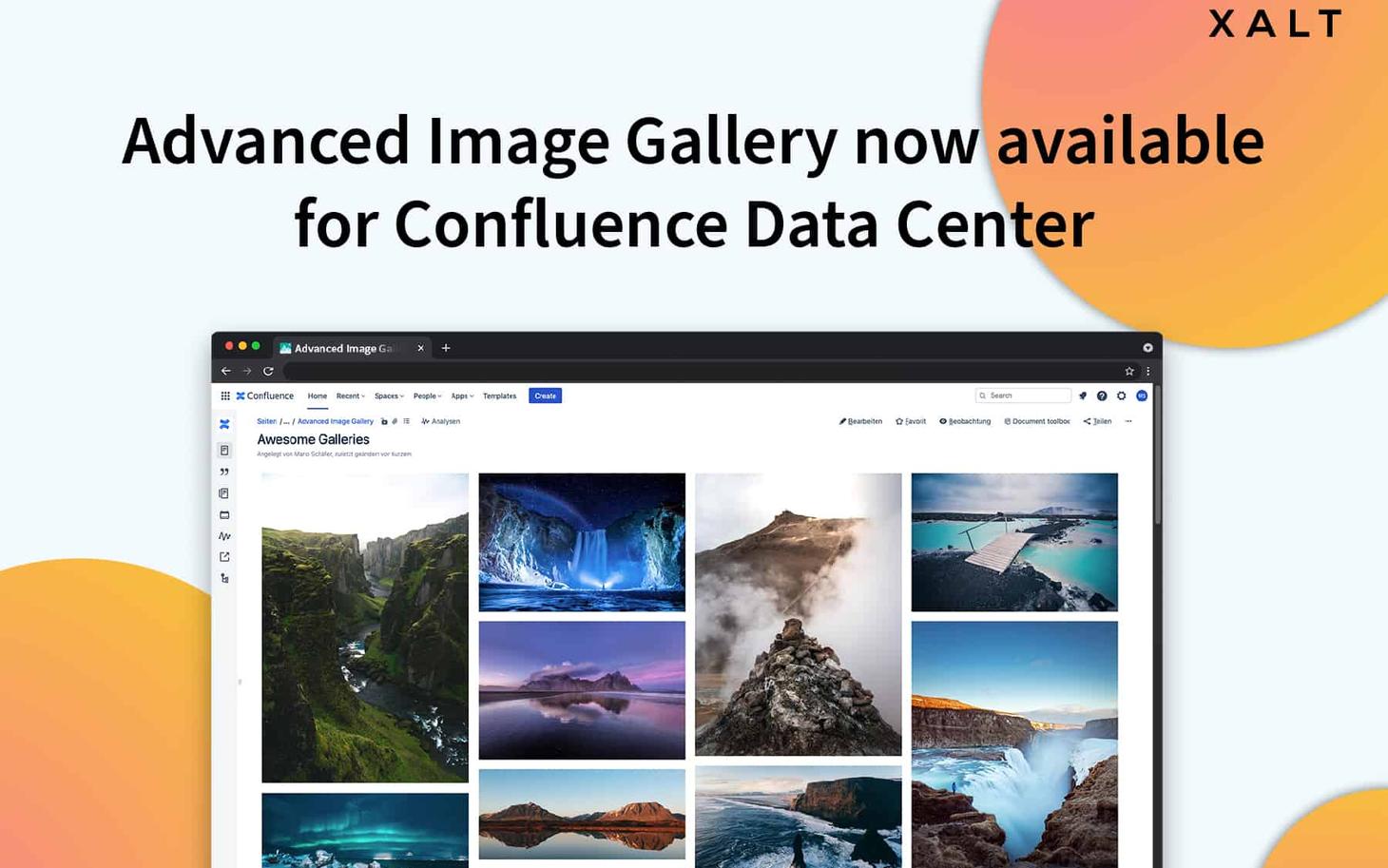
If you have always been looking for a solution to spice up your knowledge base and Intranet articles in Confluence Data Center with impressive image galleries and sliders, you can now stop searching. The Advanced Image Gallery App is Data Center ready!
Our developers have really gone the extra mile and even introduced some cool new features with the latest update. Thank you, Maxi, Kati, and everyone who helped make this a reality.
The Advanced Image Gallery helps you create attractive and good-looking Confluence pages for your internal and external communication. After all, nobody wants dull-looking posts, right?
What's new in the Advanced Image Gallery?
- Edit images directly in Confluence - crop, zoom, rotate and more
- Use Instagram-like filters
- High-end performance on all running Confluence Data Center versions
Did you know that it also works with your favourite Confluence Apps while ensuring a high level of stability and performance? If you use Linchpin or Refined as your Intranet solution or Scroll View Port for your knowledge base and Help Center, you can integrate it directly and use it on all your pages that require additional information.
Because you know: images help you communicate on a completely different level. Your customers or users don't just want good content and instructions, they also want to see exactly how something works right away.
For your internal content, our gallery even helps you to spice up company news and other types of content. Just like we did at our last team event.
Are you ready to create creative posts with Confluence and the Advanced Image Gallery that help you convey your message even better?
Find out more about the App here and get it free for a whole year!