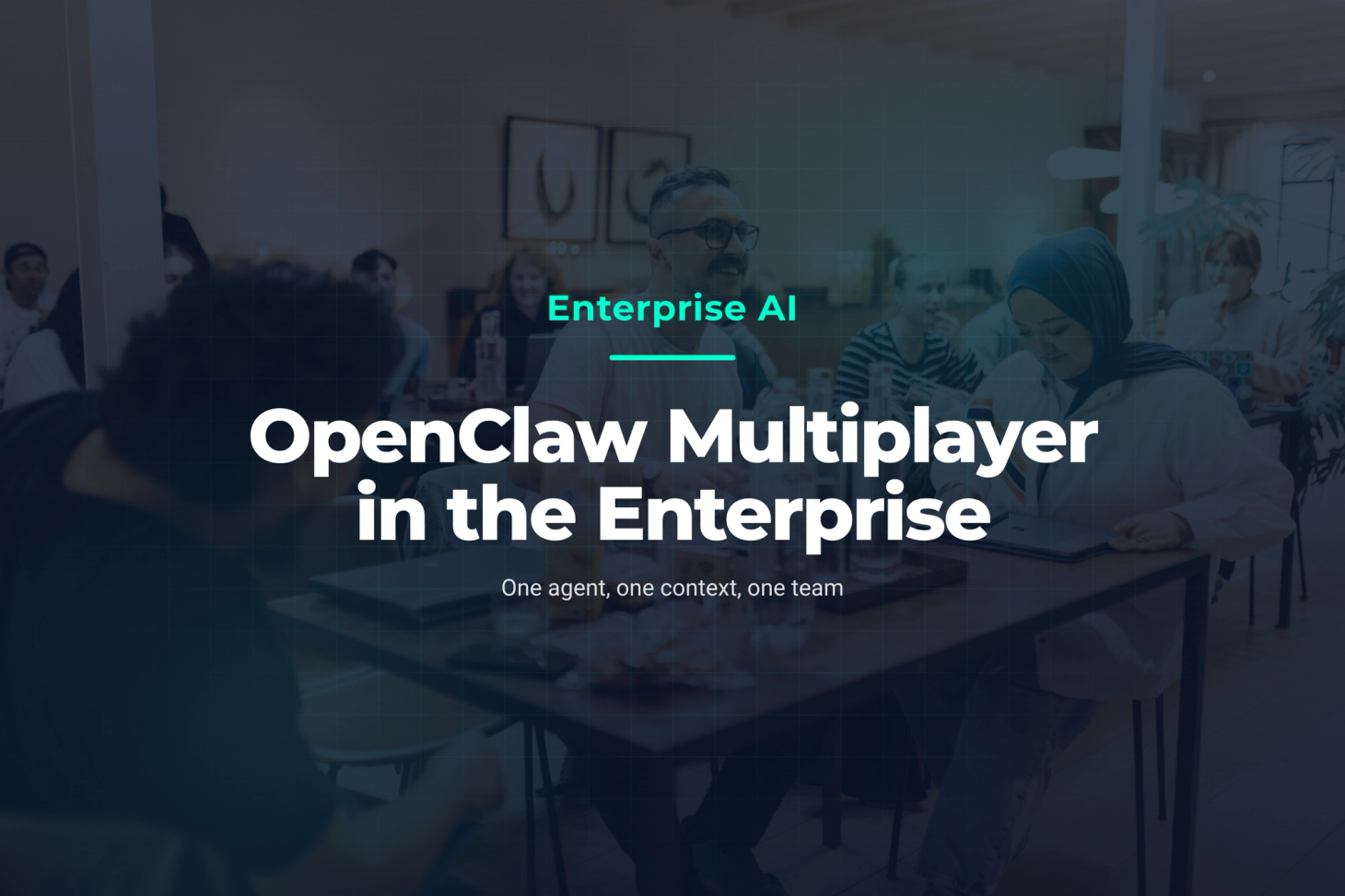
On 2 November, Peter Steinberger, the creator of OpenClaw, was our guest at the second XALT AI Circle at the Drivers & Business Club in Munich. It was an evening for decision makers who want to understand what personal AI agents mean for their organisation. Now the OpenClaw Foundation has introduced OpenClaw Multiplayer, a feature that takes the question one step further: what happens when a whole team works with the same agent?
This post looks at what OpenClaw Multiplayer solves in the enterprise, where its limits are, and how to test it before you roll it out widely.
Agents are the new silos
For decades, companies have worked to get departments talking to each other. AI agents have created a new pattern: every department has its own agent, often with its own model and its own context. Engineering works with Claude, Product with ChatGPT, Marketing with the agent built into its suite, and somewhere a local model hums away under a desk.
As long as everyone works alone, nobody notices. The cost shows up at the handover:
- Context gets lost. Whoever hands over summarises what they told their agent. A colleague feeds that summary into her own agent, and the details that mattered are gone.
- Instructions collide. Two agents work on the same artefact, and neither knows about the other.
- Nobody can see how a result came about. The prompt history sits in one person's private chat.
- Alignment turns into a court case. Product describes, Engineering interprets, the result misses, and the discussion starts over.
In its post on Multiplayer, the OpenClaw Foundation describes exactly this problem from its own work: more than a dozen full-time maintainers and a large community of contributors who produce a very high volume of AI-assisted pull requests.
What OpenClaw Multiplayer is
OpenClaw Multiplayer is one OpenClaw gateway shared by a whole team. According to the documentation, you need no separate edition for it; configuring the existing product is enough. The team works through the chat it already uses, such as Slack, Microsoft Teams or Google Chat, and through shared sessions in the Control UI. The main building blocks:
- Shared sessions: everyone with access can open a session, add context and steer the next turn.
- Live presence: you see who is reading and who is typing. Drafts reach the model only when they are sent.
- Attribution: every session records its creator, an assignable owner and everyone who prompted it.
- Roles: named roles define which sessions and agents a person may use, and whether their sessions must run in a sandbox.
- Git credit: commits from a shared session carry
Co-authored-bytrailers for everyone who steered it.
At GitHub Universe in San Francisco, the Foundation team showed this live: two laptops, one agent, a 3D map of Fort Mason. One person typed "Add the Statue of Liberty", and the second watched the prompt appear on her own screen, letter by letter. Then she typed "Make that three times bigger". The agent knew which object was meant, because both people were working in the same context. A shared queue showed when the agent was busy, so nobody fired conflicting instructions at it blindly.
What OpenClaw Multiplayer means for enterprise teams
The value is in the handover. When Product, Engineering, QA and business teams work in the same session, nobody has to summarise or retell anything. Everyone sees the same history, the same results and the same decisions. Three workflows where we expect the biggest effect:
- From requirement to delivery: the product owner writes the request, the engineer refines it in the same session, QA tests against the same state. Misunderstandings surface before any code is written.
- Incidents and operations: during an incident, operations and development work with the same agent. Whoever takes over later reads the history instead of asking around.
- Business teams and IT: colleagues without a technical background can contribute without rebuilding prompts. IT keeps control through roles.
Then there is the licence. OpenClaw is MIT-licensed and model-agnostic: you bring your own model and run the gateway on your own infrastructure. For organisations with data sovereignty requirements, that is a real argument. If your teams are just starting with AI-assisted development, our vibe coding workshop is a good way in.
Where the limits are
On one point the documentation is remarkably clear: a gateway is one trust boundary. Anyone who can instruct a tool-enabled agent shares that agent's tool permissions. Roles, session owners and presence are guardrails for a team whose members trust each other. They do not separate parties who do not.
For an enterprise, that means:
- One gateway per trust zone. For different tenants, subsidiaries or external partners, the Foundation recommends separate gateways, ideally on separate hosts.
- Viewing means viewing everything. Whoever may view other people's sessions also sees their tool output. Keep sensitive work in draft sessions.
- Identity before convenience. A shared password works, but it turns everyone into one profile. Sign-in through Tailscale or Cloudflare Access is what shows who did what.
- Prompt injection becomes a team topic. A shared agent sees more varied input. The Foundation recommends strong, current models for exactly that reason.
So OpenClaw Multiplayer solves the context problem. Permission design, approvals and operations remain your organisation's job.
What we learned running a shared agent
At XALT, we have been working with Henry since early 2026: an OpenClaw agent the whole team shares. Management, Marketing, Sales, HR and Engineering give it work through Slack, WhatsApp and the web interface. Two lessons stand out:
- Write down who may do what. Henry follows an explicit list of authorised people. Without it, a shared agent treats real requests and manipulation attempts too much alike, in both directions.
- External actions need an approval. Reading, research and drafting run freely. Messages to third parties and publications are released by a human, one by one.
With Multiplayer, these rules can now live as roles in the gateway. Until now, we kept them mostly in the agent's instructions.
How to start with OpenClaw Multiplayer
- One team, one workflow: pick a team whose members trust each other and a workflow with many handovers, such as requirement to release.
- Identity first: connect sign-in through your identity provider before the team joins.
- Define roles: decide who only reads sessions, who steers, and whose sessions run in a sandbox.
- Set approvals: decide which actions a human must confirm before the agent carries them out.
- Measure after four weeks: compare handovers, follow-up questions and rework before and during the pilot.
The fastest way to understand a shared agent is to sit at the table yourself. That is why we offer 90 minutes of vibe coding with Philipp: you bring a real problem from your daily work, and the two of you build the solution together with an agent.