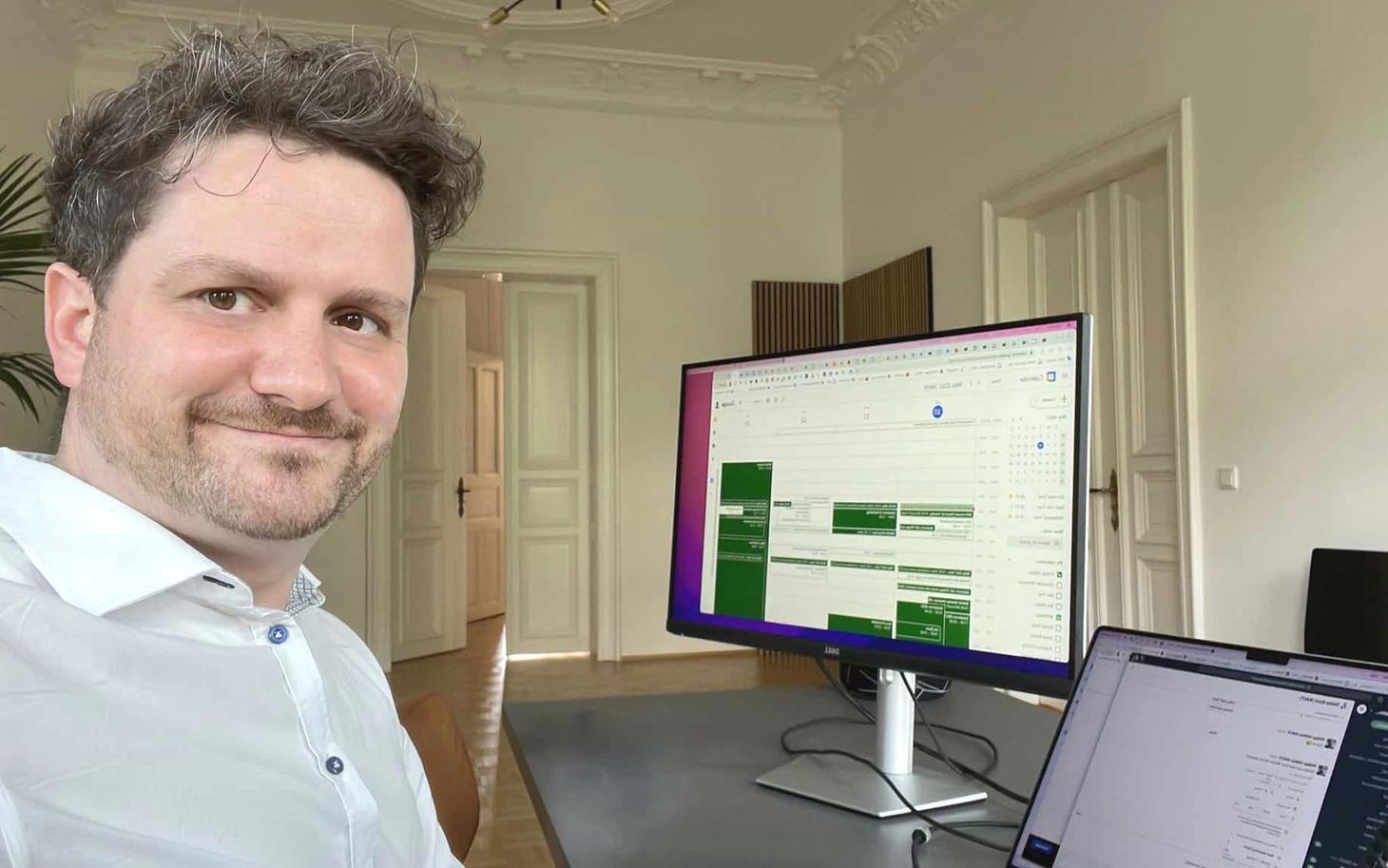
Remote work is on everyone's lips and can no longer be ignored in the modern working world. However, besides simply working from home and being productive in the home office, there are some essential differences. An important factor in making a good start is the right home office equipment.
While some of the items listed below are indispensable, others are simply useful in the home office.
Standing desk
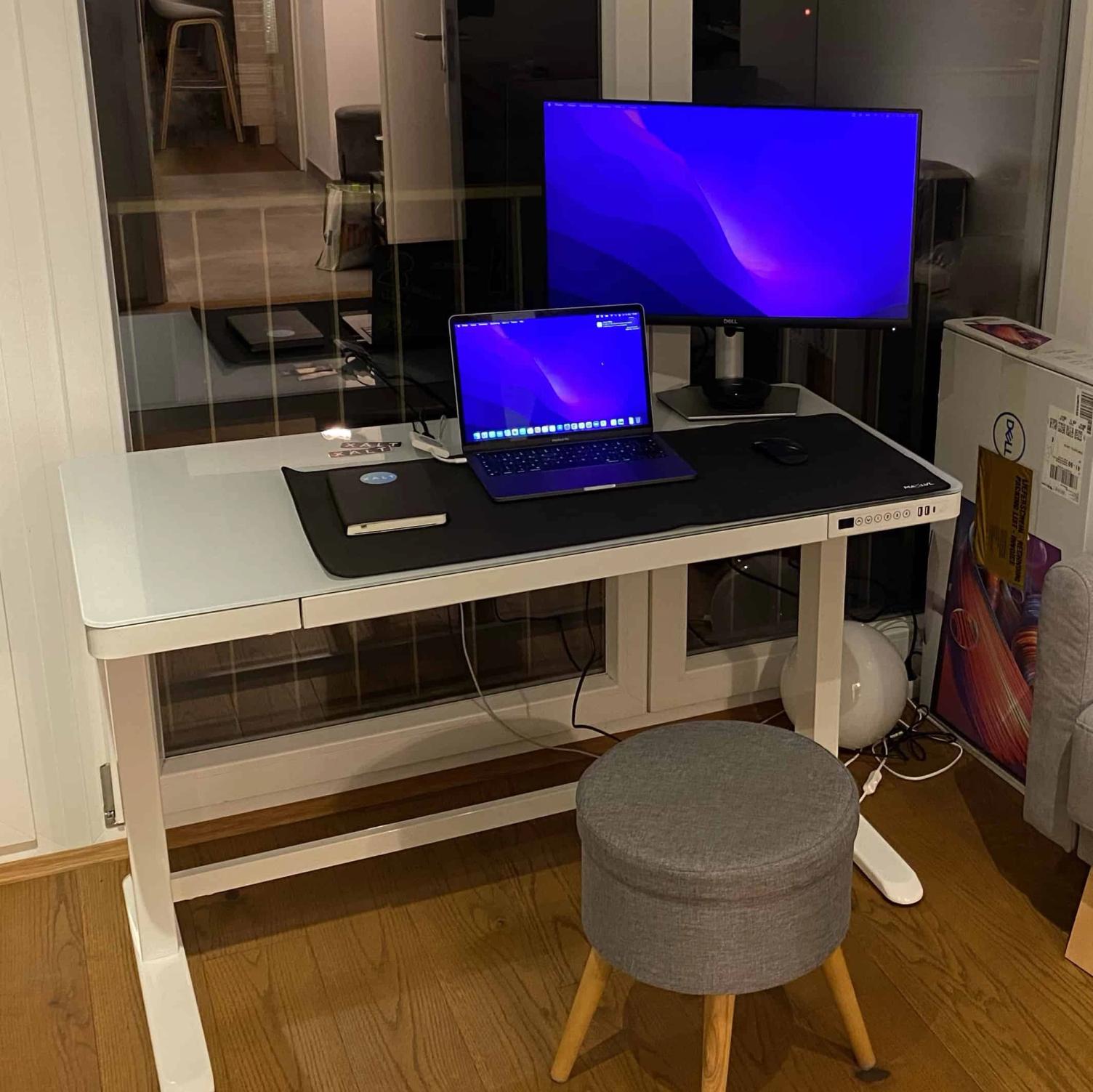
Standing desks, or height-adjustable desks, are a great way to start the day - both for your health and your productivity. If you are ready to make the leap from sitting to standing, we recommend a standing desk that can be used in multiple positions. This allows you to easily switch between sitting and standing during your working day.
Many of our employees use height-adjustable desks.
Ergonomic office chair
In addition to the desk, there is another important piece of furniture for your home office setup - the office chair. Prolonged sitting can burden the body with pain in the lower back, neck, and shoulders, as well as with mobility issues and lethargy. A supportive office chair can help mitigate some of the negative effects of sitting.
For example, we replaced the chairs in our Leipzig office at the beginning of 2022 and now everyone sits on chairs from Sedus.
A short note: The stool in the image above is, of course, the exact opposite of an ergonomic chair (it had not yet been delivered at the time the photo was taken). ????
Second monitor
A laptop screen alone may not be sufficient, especially if you are used to working with a large monitor or multiple screens. Prices for home office monitors vary considerably depending on size, quality, and features, but entry-level models can be quite affordable.
If you work a lot with graphics or videos, you need a high-resolution monitor with precise colours. Monitors are available in various sizes, which is also an important detail for purchase. You should have enough distance from the monitor, as otherwise it could have negative effects on your eyes and lead to fatigue more quickly.
So, take into account the available space, the height and depth of your desk, and the height of your chair. The largest monitor is not necessarily the best for your needs.
Laptop stand
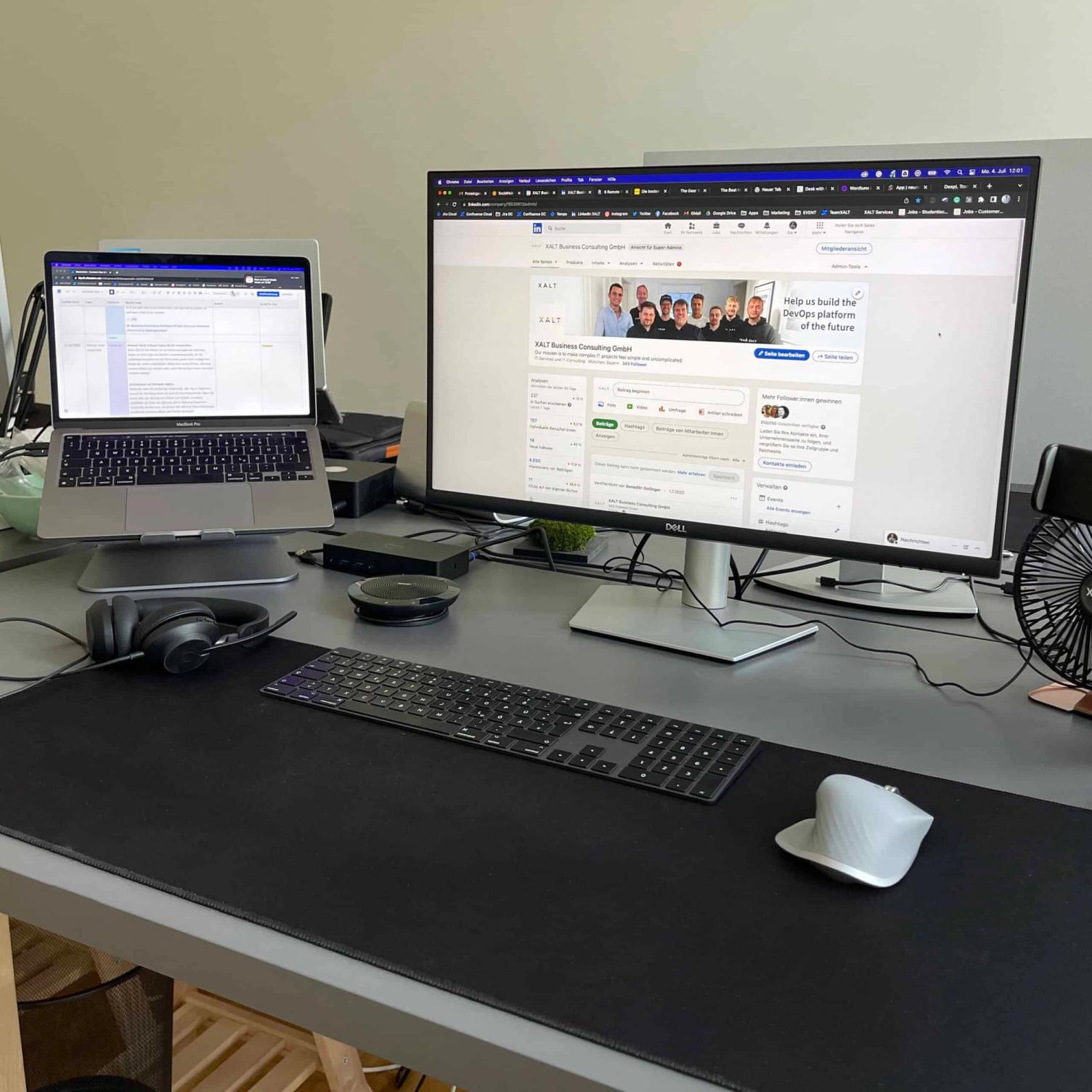
To avoid health issues such as back pain, neck pain, and eye strain in the home office, you should use a laptop stand when working on a computer. A laptop stand should be part of any good home office setup; it raises the computer screen and helps you position your laptop at eye level.
At the same time, you improve your sitting posture and thereby prevent back pain. By raising the laptop, air circulation improves and less heat is generated.
The purchase costs vary depending on the brand and size of the product. Portable stands are generally slightly more expensive than fixed models.
Wireless keyboard and mouse
If you place your laptop on a stand, as recommended above, you should invest in a wireless keyboard for your home office. You do not have to spend a lot of money on a simple wireless keyboard and mouse that does the job.
Pay attention to a long battery life so that you do not spend more time charging the devices than using them. If you work a lot with numbers, you should consider a keyboard with a separate numeric keypad. Also pay attention to the noise level. Some keyboards are much louder than others, which can be a real problem in small apartments!
You can get a good wireless mouse for a few euros or spend a little more to add some practical features. The MX series from Logitech is recommended here. The Logitech mouse connects via Bluetooth or a USB receiver, can be used on almost any surface, and supports up to three computers simultaneously. Therefore, this is perfect for our office, as the workstations here are used by several employees.
Of course, the Magic Mouse and Magic Keyboard from Apple are unbeatable - however, some people prefer the MX Master 3 due to its ergonomic design.

Headset
For home workers who work in small teams or need to connect with colleagues in other offices, a good headset is an essential tool. There are two important points to consider when choosing a headset: headsets with noise cancellation and wireless Bluetooth devices. Headsets look professional and help you have undisturbed conversations, even in a somewhat noisier environment.
For headsets, we at XALT fully rely on products from Jabra - either the Evolve 30 MS with a cable or the Evolve2 65 wireless.
For meetings with multiple employees in the same room, we use the Jabra Speak 510 in Munich and Leipzig.
Conclusion
The right home office equipment, and especially good accessories, is very important in our view. Yes, it is not entirely cheap, and you can quickly reach a four-figure euro range here. But the money is well invested, as it has a positive effect on your own health (back, eyes, wrists, etc.) and allows you to work much more relaxed.
Our team decides for itself where it wants to work: in the office (Munich or Leipzig), in the home office, or in a coworking space such as Design Offices.
Sometimes you do not want anyone around you in order to concentrate and get things done better. And on some days, you want to exchange ideas with your colleagues in the office about joint projects or need a change of scenery from home.
That is why XALT offers its team members the opportunity to choose their place of work themselves and provides the right equipment for the home office.